
 STEP 01
FINANCE WORKFLOW
Record
Money in / money out
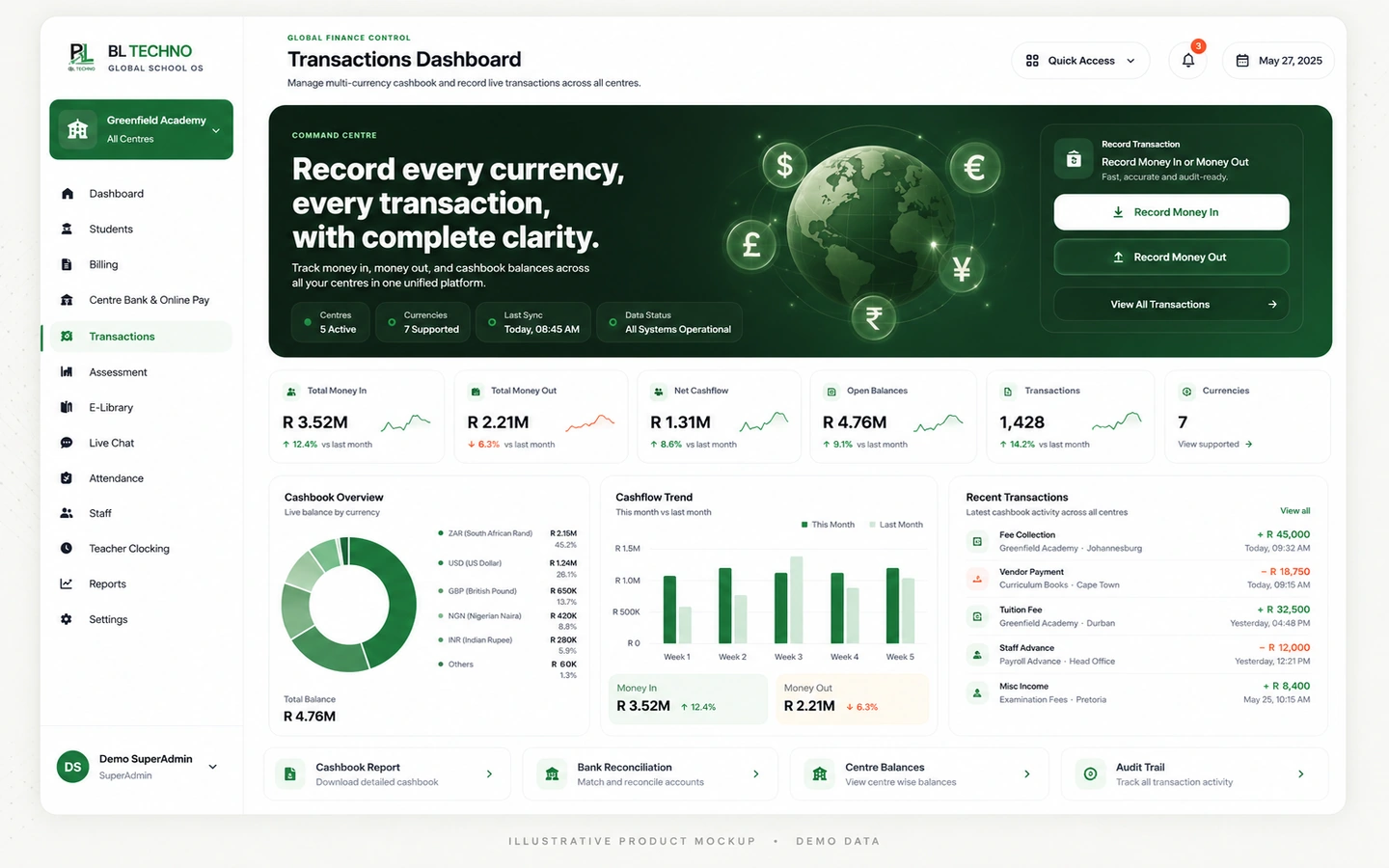
Transactions DashboardRecord income and expenditure across configured currencies, categories, centres and payment methods, then review cashflow trends and produce cashbook statements.
ILLUSTRATIVE • DEMO DATARecord income and expenditure across configured currencies, categories, centres and payment methods, then review cashflow trends and produce cashbook statements.
See BL TECHNO Finance →Tap a step to change the visual. Each stage comes directly from the feature workflow defined for BL TECHNO.
STEP 01Money in / money out
Transactions Dashboard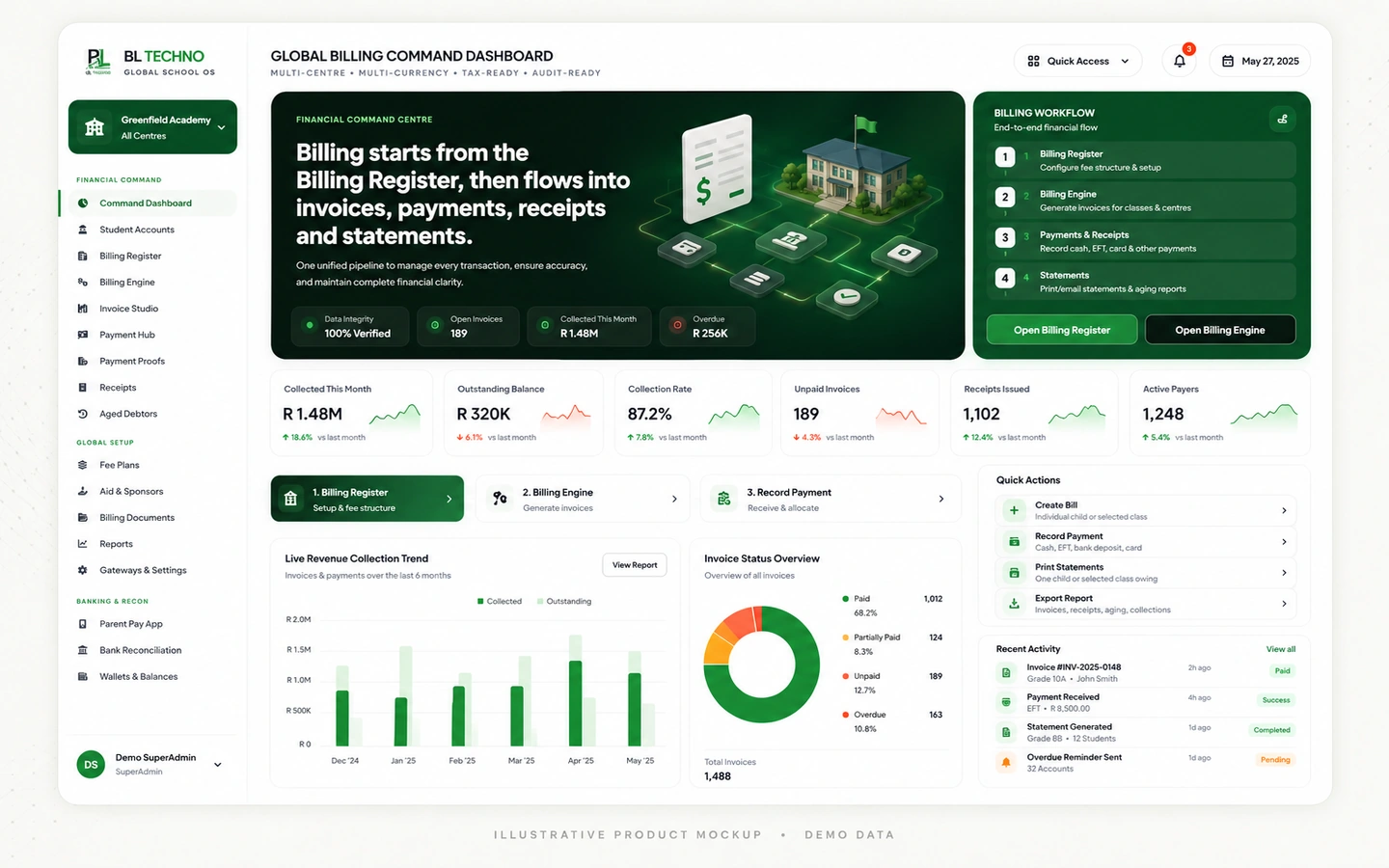 STEP 02
Category & method
Global Billing Command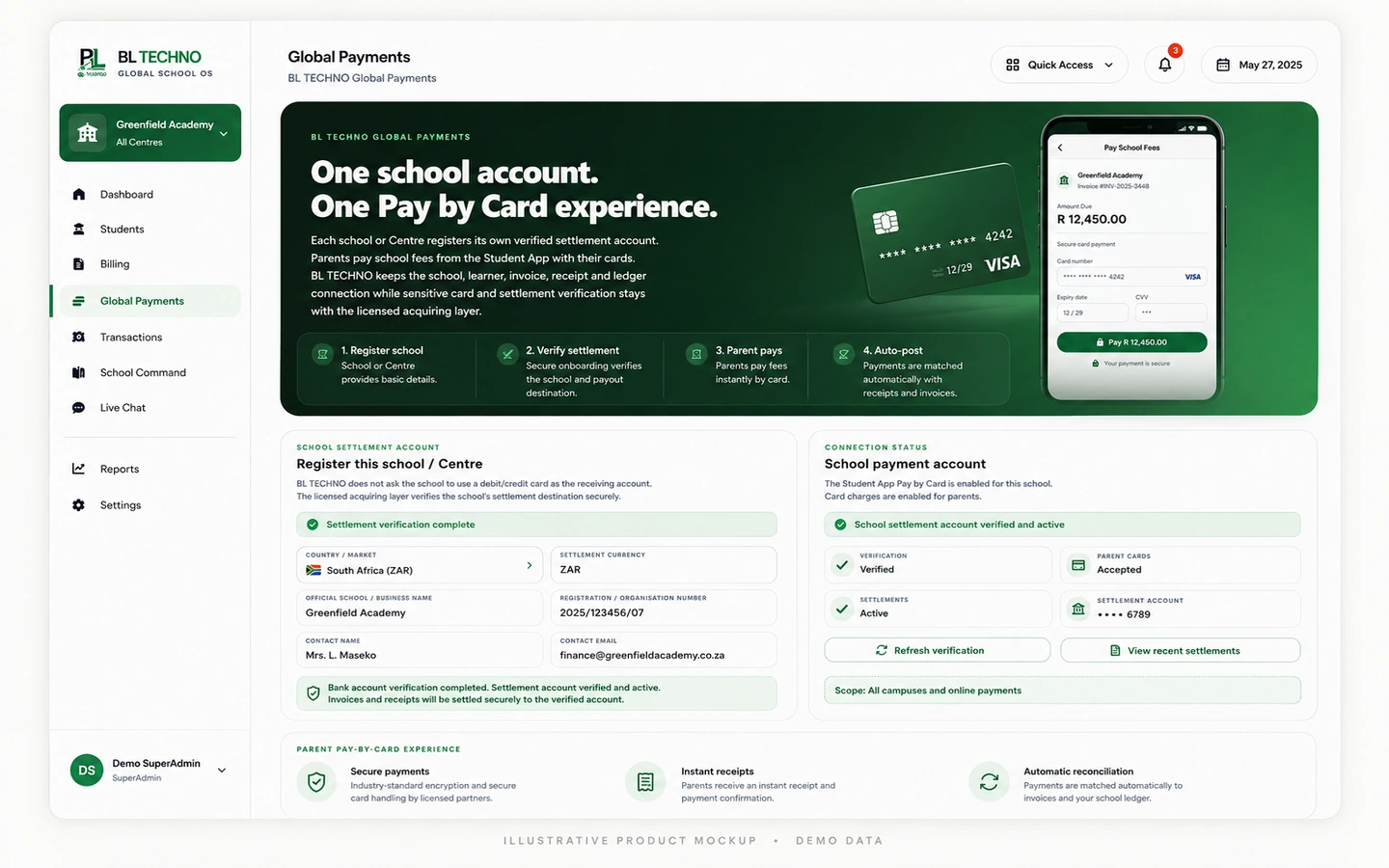 STEP 03
School / centre
Global Payments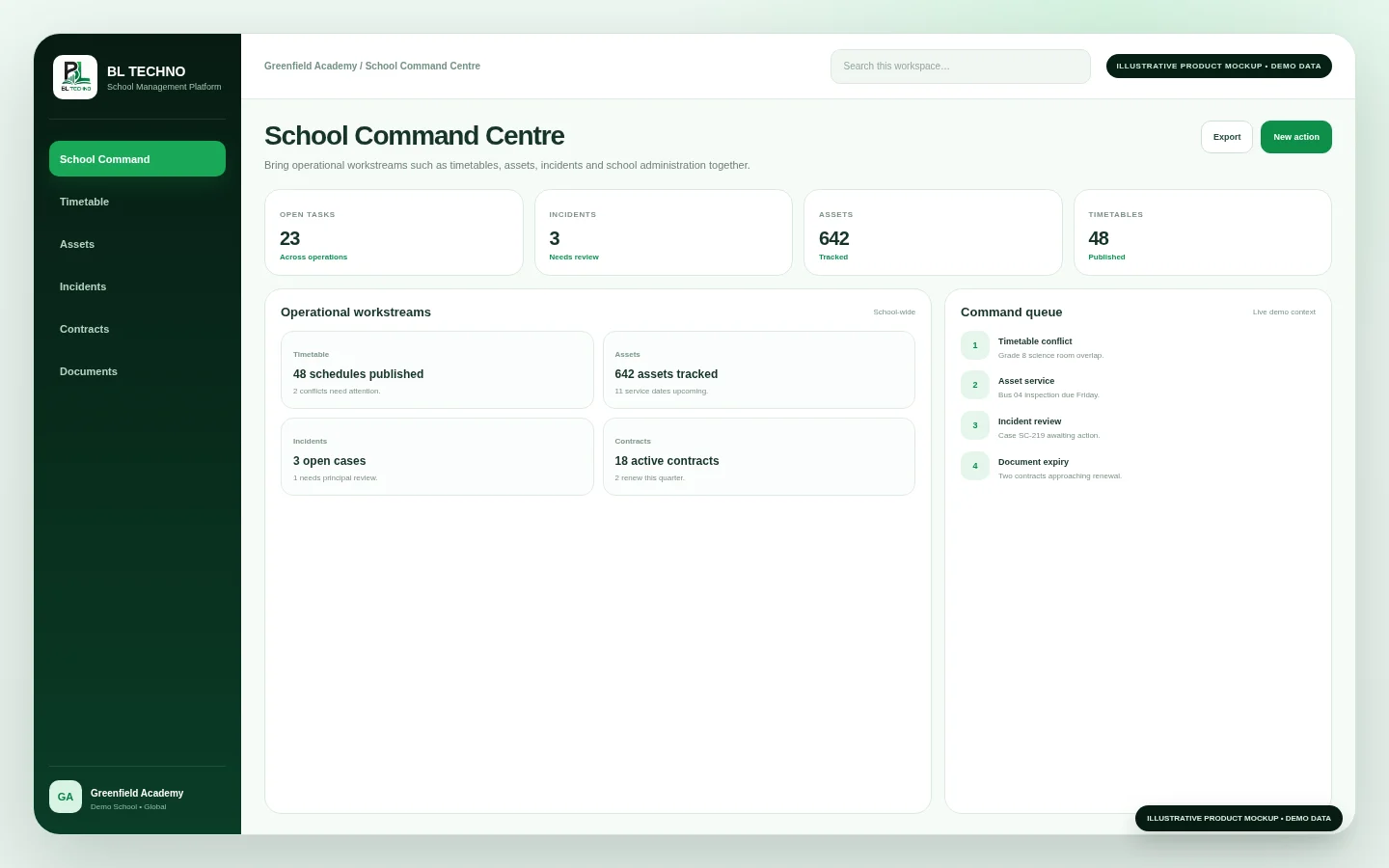 STEP 04
Cashflow & summaries
School Command Centre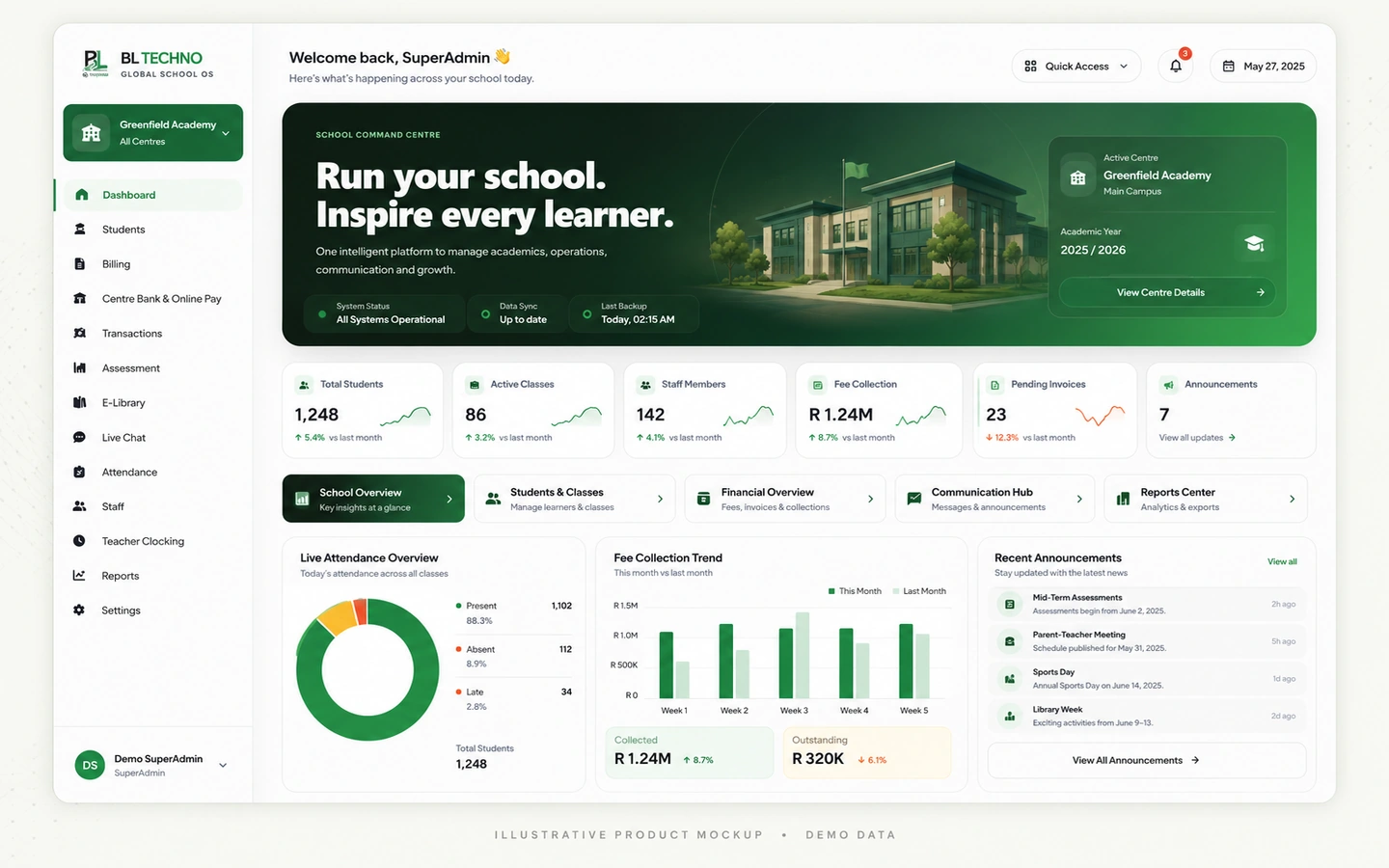 STEP 05
Cashbook statement
School Command DashboardThese outcomes describe the operating purpose of the feature without inventing customer statistics.
Keep school income and expenditure in a structured transaction register.
Review cashflow, categories, centre performance and payment methods.
Record activity using the school’s configured currency context rather than assuming one currency worldwide.
Six capability areas show what the feature organises and how the workflow becomes operational.
Record money entering and leaving the school.
Maintain a searchable transaction history.
Review movement over time.
Understand where money is coming from and going.
Review transactions in centre context.
Summarise configured currencies and payment methods.
The exact records shown depend on the signed-in user, school configuration and current school data. These labels show the kinds of context this feature organises.
Transactions DashboardSwitch roles to see how the same feature serves different authorised users without giving everyone the same view.
Capture, classify and reconcile transaction activity.
Finance TeamTransactions DashboardReview cashflow and centre performance.
Finance ManagerGlobal Billing CommandUse higher-level finance movement for operational visibility.
Owner / DirectorTransactions DashboardMove into the neighbouring workflows that share relevant school context.
This public-safe motion teaser uses illustrative marketing visuals and demo interface language. It is designed to communicate the connected platform story without exposing production school data.
The exact implementation depends on school size, plan and scope. This path shows the practical sequence for introducing the feature responsibly.
Identify where Transactions fits into the school’s current operating process and what should improve.
Confirm school currency, account context, permissions and the finance workflow that will use the feature.
Check the records, settings and authorised users needed for Transactions to work cleanly from day one.
Walk the responsible teams through the Transactions workflow using their real roles and school scope.
Introduce Transactions into the agreed school process with controlled access and clear ownership.
Review usage, exceptions and operating quality, then refine the school process where needed.
Transactions inherits BL TECHNO’s role, scope and permission principles. Public marketing shows the controls; authenticated product access remains authoritative.
Yes. The current Transactions Dashboard is built around recording money in and money out.
The current interface describes recording rand, dollar, pound or other local currency and includes a Currency Summary.
Yes. The current module includes printing, emailing or WhatsApp-oriented cashbook statement workflows.
Inspect the feature in detail, then see how it connects to the product family and wider school operation.
BL TECHNO is one global website. We suggest your country automatically so pricing can be shown in the local currency, and you can override the suggestion at any time.