Fewer disconnected channels
Keep operational school communication nearer to the platform where work happens.
Bring authorised school-room and direct messaging, announcements, notifications and collaboration entry points closer to the people and workflows they support.
BL TECHNO Connect is a focused product family inside the wider BL TECHNO platform. It leads with the work its audience needs, while preserving authorised connections to the rest of the school.
Keep operational school communication nearer to the platform where work happens.
Use school, centre, teacher, learner and user context to target authorised communication workflows.
Move from a message or notification into the relevant school workflow more easily.
Open any visual for a closer look. All public mockups use demo context and avoid production school, learner, finance or transport records.
Tap a stage to follow a realistic public-safe operating story for this product family.
Start from the authorised school, centre, class or person context.
Explore this workflow →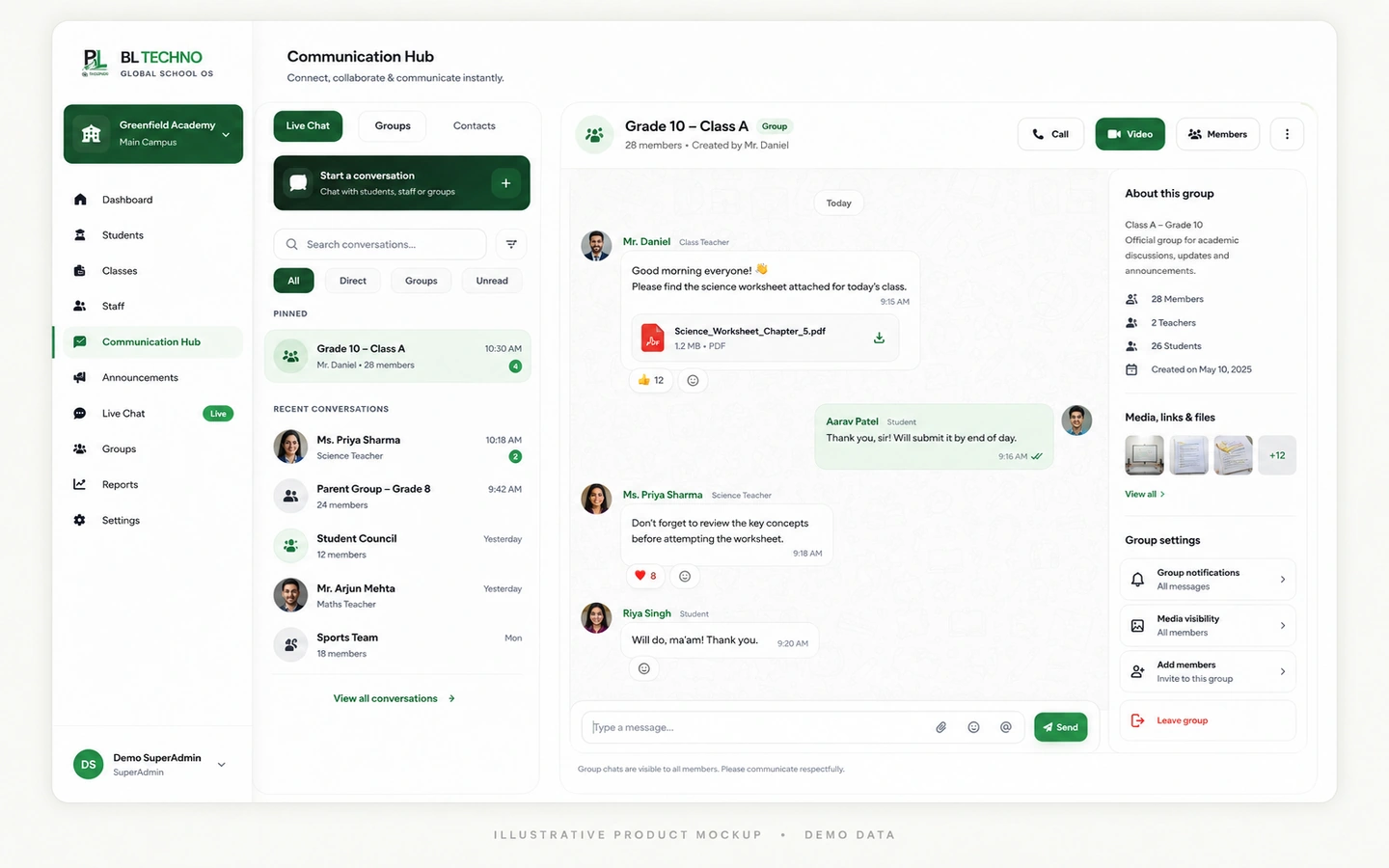 Live Chat
Send a direct or school-room message to the appropriate audience.
Explore this workflow →Live ChatShare announcements and notifications for relevant users.
Explore this workflow →Live ChatMove collaboration into the dedicated Meeting Stage where appropriate.
Explore this workflow →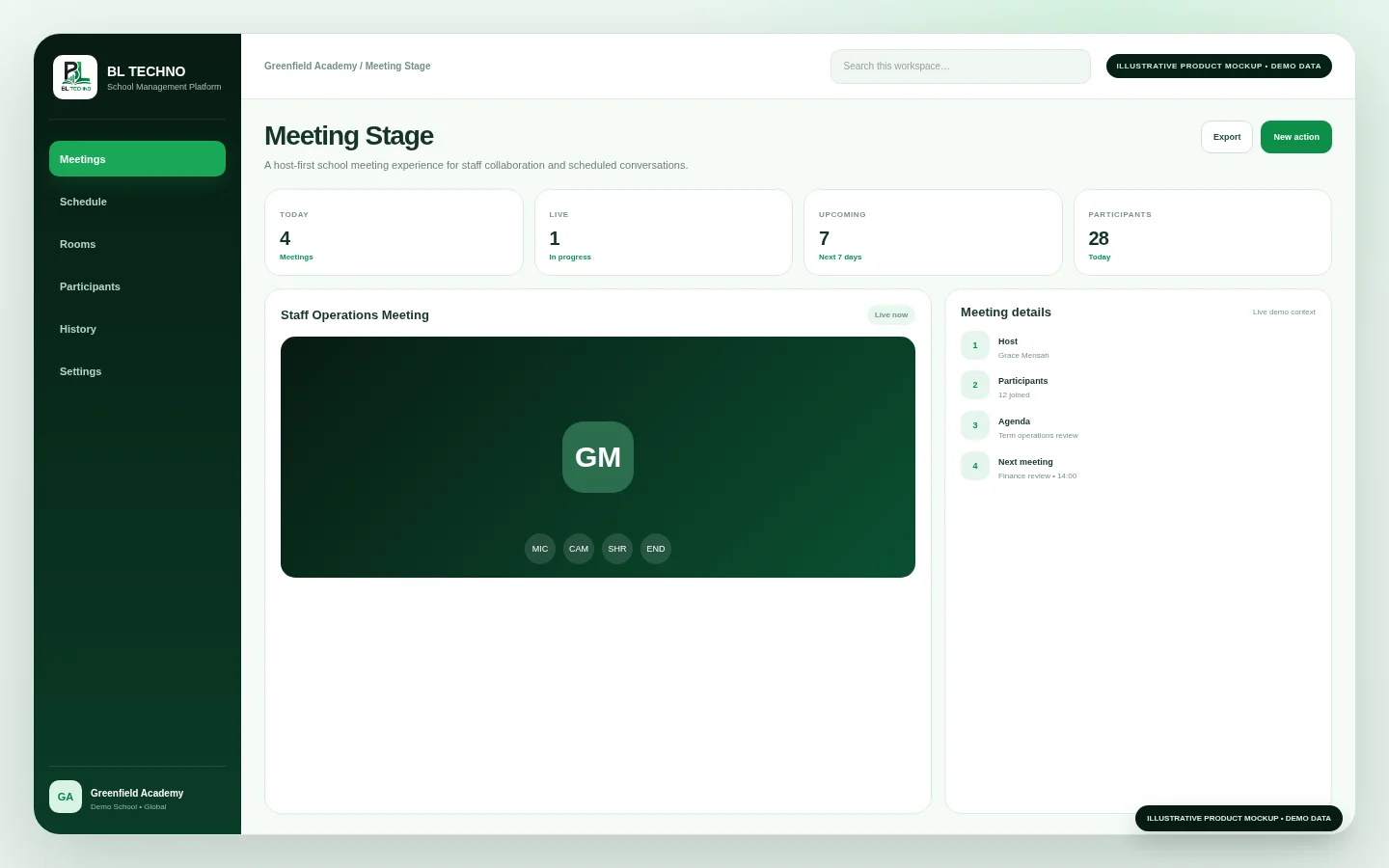 Meeting Stage
Continue into the connected school workflow that the conversation is about.
Explore this workflow →Live ChatThe product journey follows the way this part of the school operates instead of forcing users through unrelated modules.
School, centre or user context
Message or announcement
Authorised audience
Direct or group conversation
Move into related school workflow
Each capability has a clear operational purpose and remains part of the wider school context.
Support school-room and direct communication for authorised users.
Use school structure to organise appropriate communication audiences.
Surface school and academic updates inside connected experiences.
Bring important alerts closer to the user’s active workspace.
Provide a connected entry point for school collaboration sessions.
Support controlled link-based information dispatch where appropriate.
These labels describe the kind of operating signals the workspace is built around. Exact live values come from the authorised school environment, not the public website.
Live ChatChoose an example role to see the product through the work that person is responsible for.
Communicate across authorised school audiences.
Live ChatKeep academic communication connected to teaching work.
Meeting StageReceive school and teacher communication in the Student experience.
Live ChatImplementation is not only software setup. It connects school structure, authorised users, data, working processes and training.
Confirm audiences, school boundaries and communication responsibilities.
Prepare authorised school users and communication context.
Agree how chat, announcements, notifications and meetings will be used.
Train teams on appropriate channels and escalation behaviour.
Introduce school rooms, direct communication and meeting workflows.
Review access, audience scope and communication practices as the school grows.
Move into related BL TECHNO product families while preserving the wider school context.
BL TECHNO Connect sits inside an authenticated school environment where role, scope and authorised actions matter.
Responsive behaviour should match the product audience instead of squeezing desktop UI into a phone.
These product-specific foundations explain why BL TECHNO Connect belongs inside the connected BL TECHNO ecosystem.
Communication is positioned inside the authorised school environment.
School, centre, class and user context helps define relevant recipients.
Messages and notifications can support operational work rather than becoming a separate silo.
Communication should remain easy to use on phones, tablets and desktops.
The public teaser introduces the operating story using privacy-safe campaign visuals. A live demo can then focus on the exact Connect workflows relevant to the school.
No. It is positioned as school-scoped communication inside the authorised BL TECHNO ecosystem.
The existing communication model uses school/centre/user context and authorised directories.
BL TECHNO includes a dedicated Meeting Stage alongside Live Chat and other connected communication experiences.
We can focus the demo on the roles, centres and operating priorities that matter to your institution.
BL TECHNO is one global website. We suggest your country automatically so pricing can be shown in the local currency, and you can override the suggestion at any time.