One learner destination
Bring academic and school information together so learners know where to look.
Give each learner a focused experience for assignments, learning, attendance, timetable, assessment results, resources, messages, finance information and transport visibility.
BL TECHNO Student is a focused product family inside the wider BL TECHNO platform. It leads with the work its audience needs, while preserving authorised connections to the rest of the school.
Bring academic and school information together so learners know where to look.
Surface assignments, results, timetable, attendance and announcements in the same personal context.
Extend the student experience into library, finance, messages and transport where authorised.
Open any visual for a closer look. All public mockups use demo context and avoid production school, learner, finance or transport records.
Tap a stage to follow a realistic public-safe operating story for this product family.
See assignments, announcements, timetable and school priorities in one personal view.
Explore this workflow →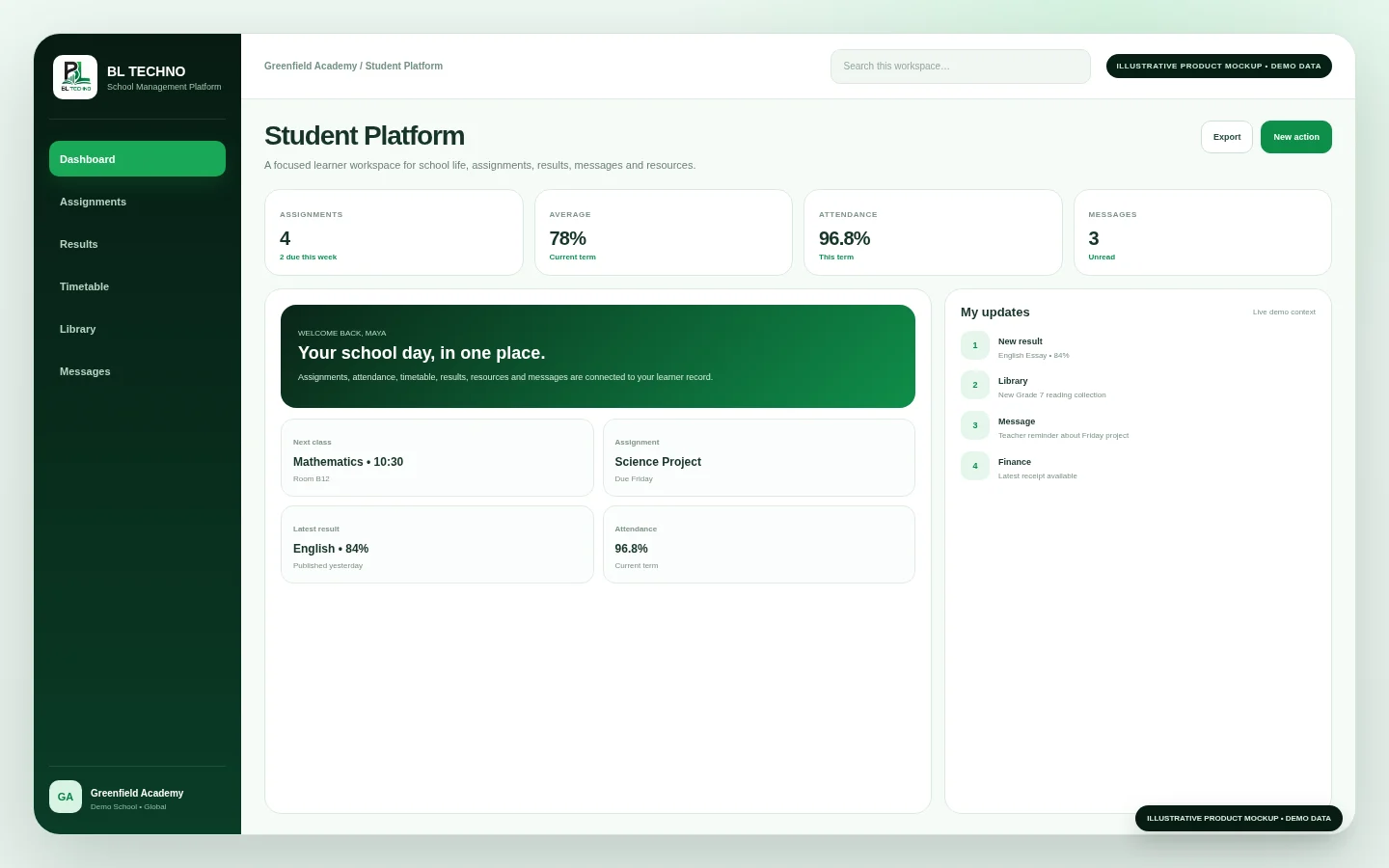 Student Platform
Move into assigned academic work and teacher-provided learning context.
Explore this workflow →Student PlatformReview attendance and assessment information made available to the learner.
Explore this workflow →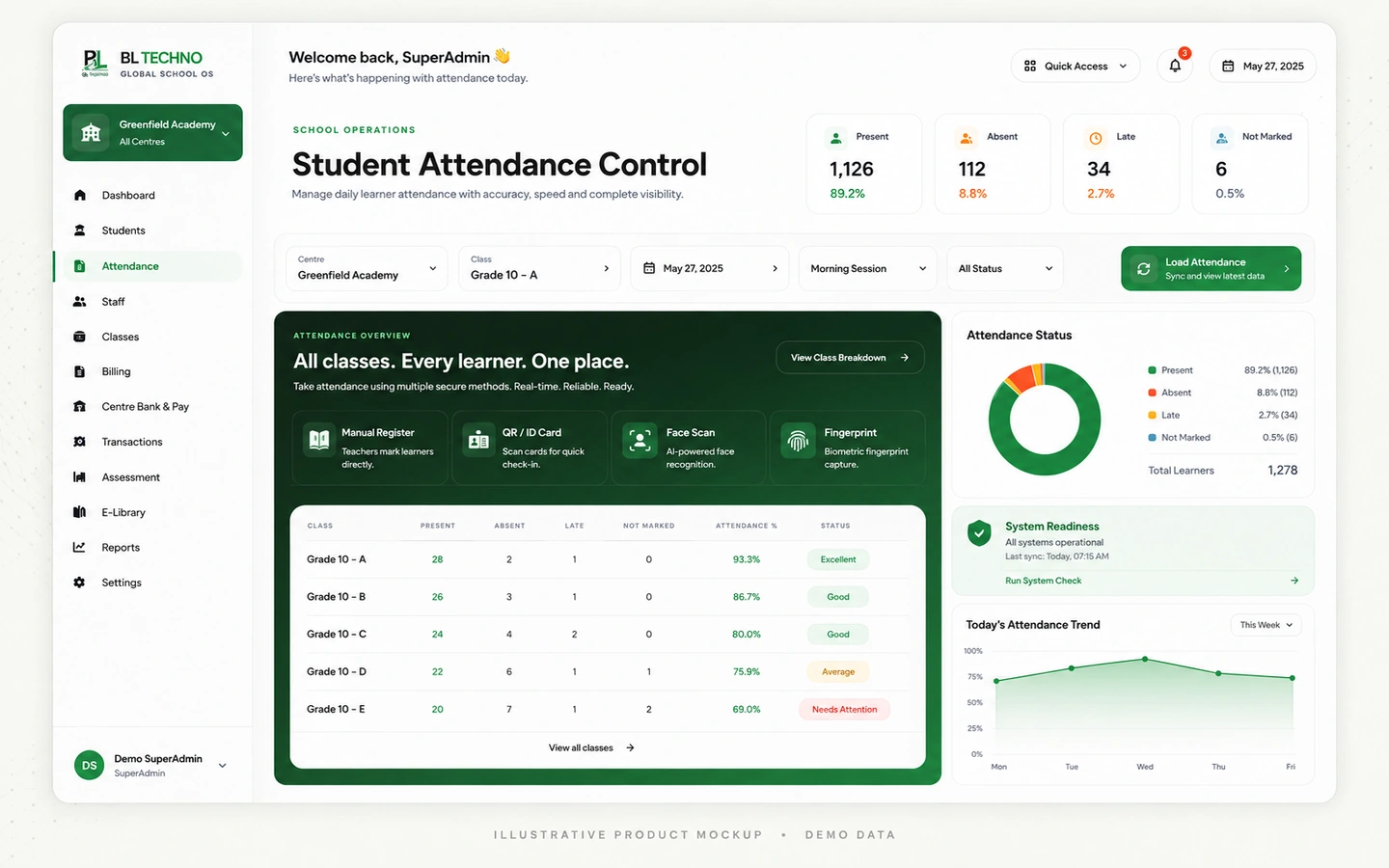 Attendance Control
Find approved books and school learning resources through the connected library.
Explore this workflow →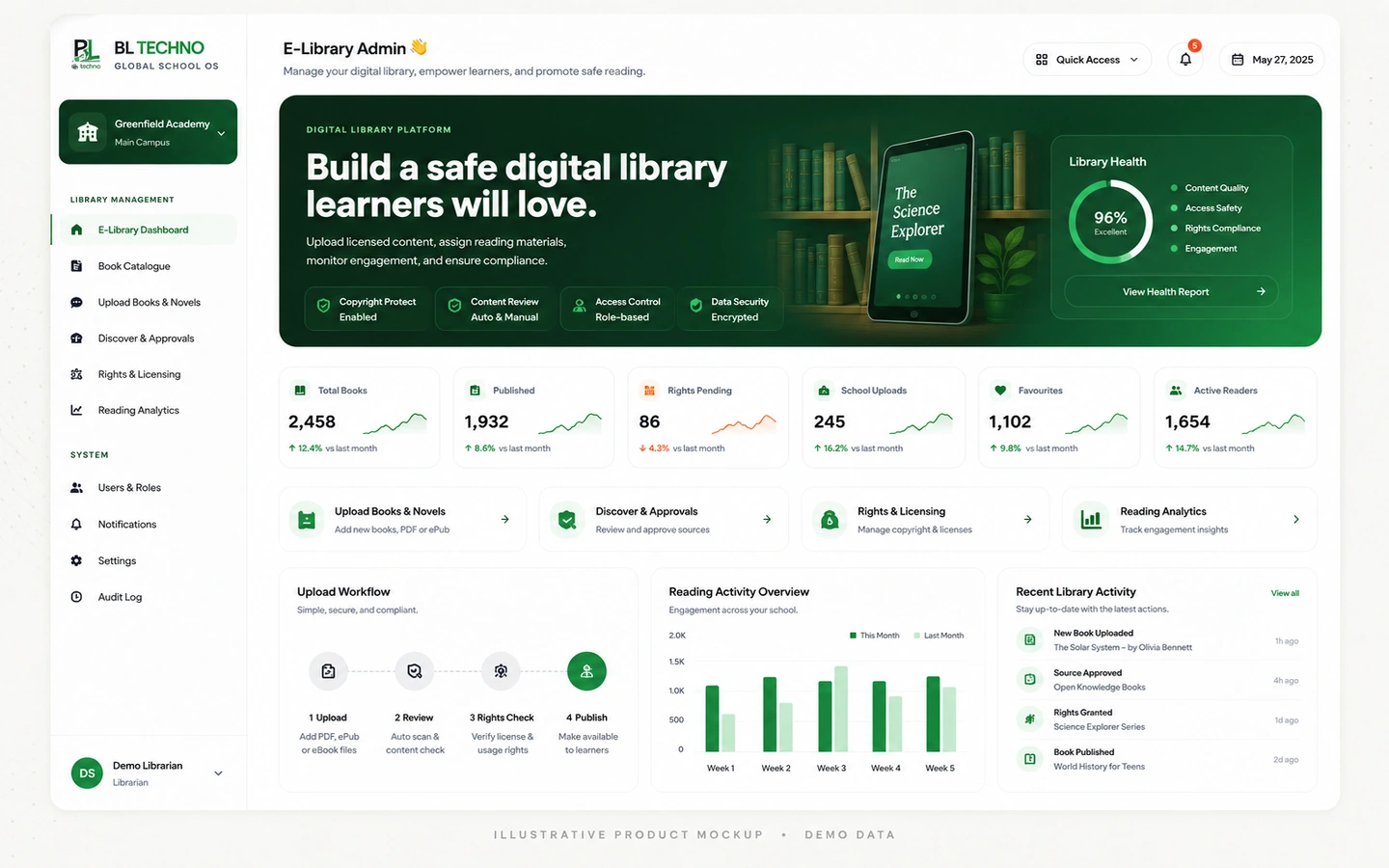 E-Library Admin
Receive school and teacher communication without leaving the learner environment.
Explore this workflow →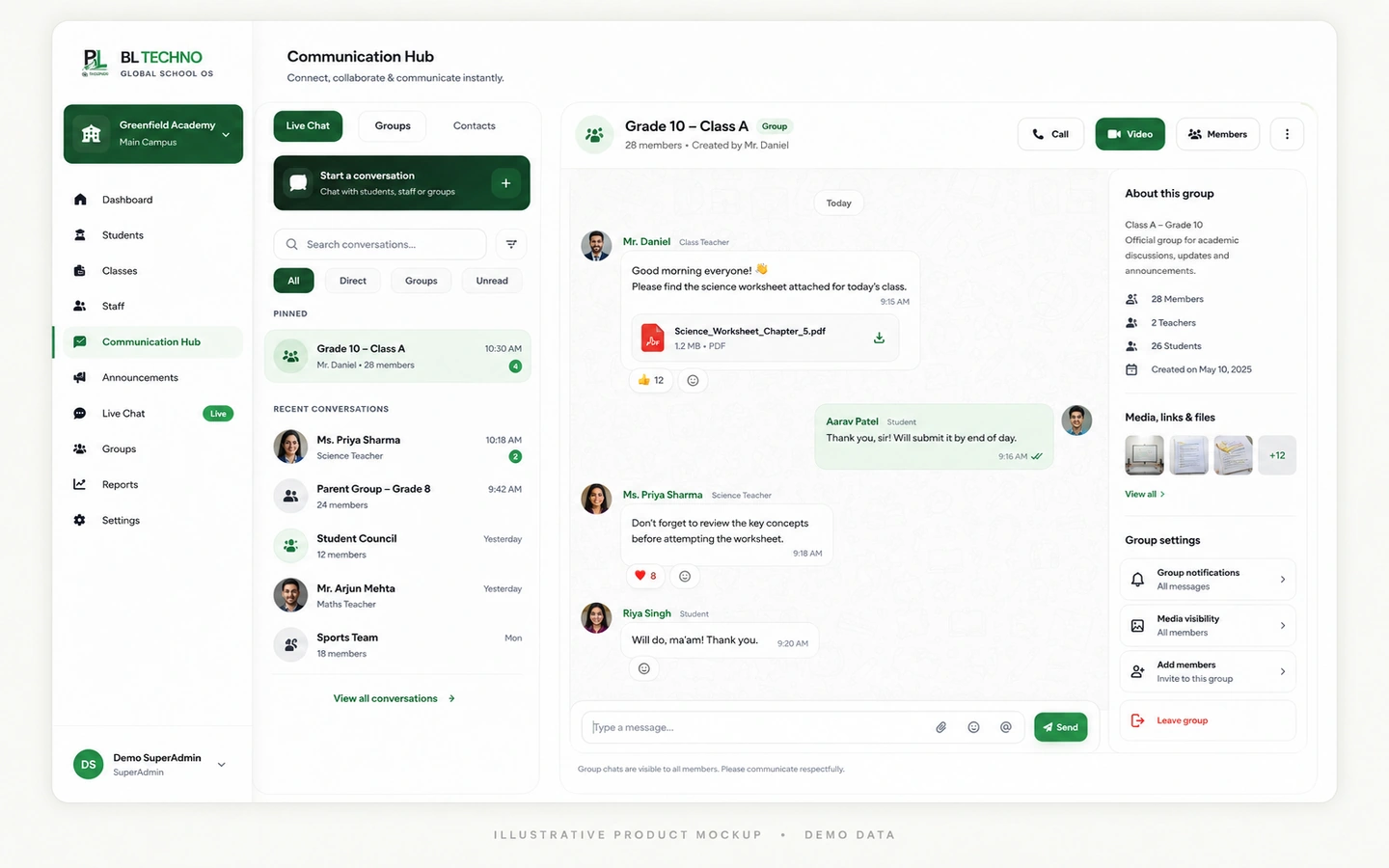 Live Chat
The product journey follows the way this part of the school operates instead of forcing users through unrelated modules.
Dashboard and school pulse
Assignments and resources
Attendance and timetable
Assessment results and reports
Messages, finance and transport
Each capability has a clear operational purpose and remains part of the wider school context.
A personal starting point for school information and action items.
Access academic work and connected learning tools.
Review assessment marks and academic reporting available to the learner.
Keep daily school participation and timetable information close.
Surface authorised school financial records and documents in learner context.
Connect messages and authorised transport information to the learner experience.
These labels describe the kind of operating signals the workspace is built around. Exact live values come from the authorised school environment, not the public website.
Student PlatformChoose an example role to see the product through the work that person is responsible for.
Use one school portal for the academic day.
Student PlatformWhere enabled, approved school and transport information can support family visibility.
E-Library AdminImplementation is not only software setup. It connects school structure, authorised users, data, working processes and training.
Confirm learner identities, classes and authorised portal access.
Link student accounts to the correct school and learner records.
Make the required timetable, assignments, results, resources and notices available.
Show learners how to use the portal responsibly on mobile and desktop.
Provide school-side support and communication for access questions.
Use the Student Platform as the learner-facing layer of the connected school.
Move into related BL TECHNO product families while preserving the wider school context.
BL TECHNO Student sits inside an authenticated school environment where role, scope and authorised actions matter.
Responsive behaviour should match the product audience instead of squeezing desktop UI into a phone.
These product-specific foundations explain why BL TECHNO Student belongs inside the connected BL TECHNO ecosystem.
The experience is centred on the authorised learner record.
Assignments, results, timetable and attendance stay easy to find.
Library, communication, finance and transport context can sit beside learning.
The learner experience is intended to work naturally on phones and tablets.
The public teaser introduces the operating story using privacy-safe campaign visuals. A live demo can then focus on the exact Student workflows relevant to the school.
The existing Student Portal includes learning, assignments, attendance, timetable, announcements/events, documents/library, assessment marks, reports, finance information, transport and messages.
The product is designed around the signed-in learner’s authorised school context, not an open student directory.
No. Teacher and Student are separate role experiences connected through the wider BL TECHNO school ecosystem.
We can focus the demo on the roles, centres and operating priorities that matter to your institution.
BL TECHNO is one global website. We suggest your country automatically so pricing can be shown in the local currency, and you can override the suggestion at any time.