One resource destination
Give teachers and learners a clearer place to find approved school learning resources.
Give schools a controlled digital library environment for approved books, novels and educational resources, with school, centre, class, grade and subject context.
BL TECHNO Library is a focused product family inside the wider BL TECHNO platform. It leads with the work its audience needs, while preserving authorised connections to the rest of the school.
Give teachers and learners a clearer place to find approved school learning resources.
Organise content using school, centre, class, grade and subject context.
Keep source and permission context visible when schools add digital resources.
Open any visual for a closer look. All public mockups use demo context and avoid production school, learner, finance or transport records.
Tap a stage to follow a realistic public-safe operating story for this product family.
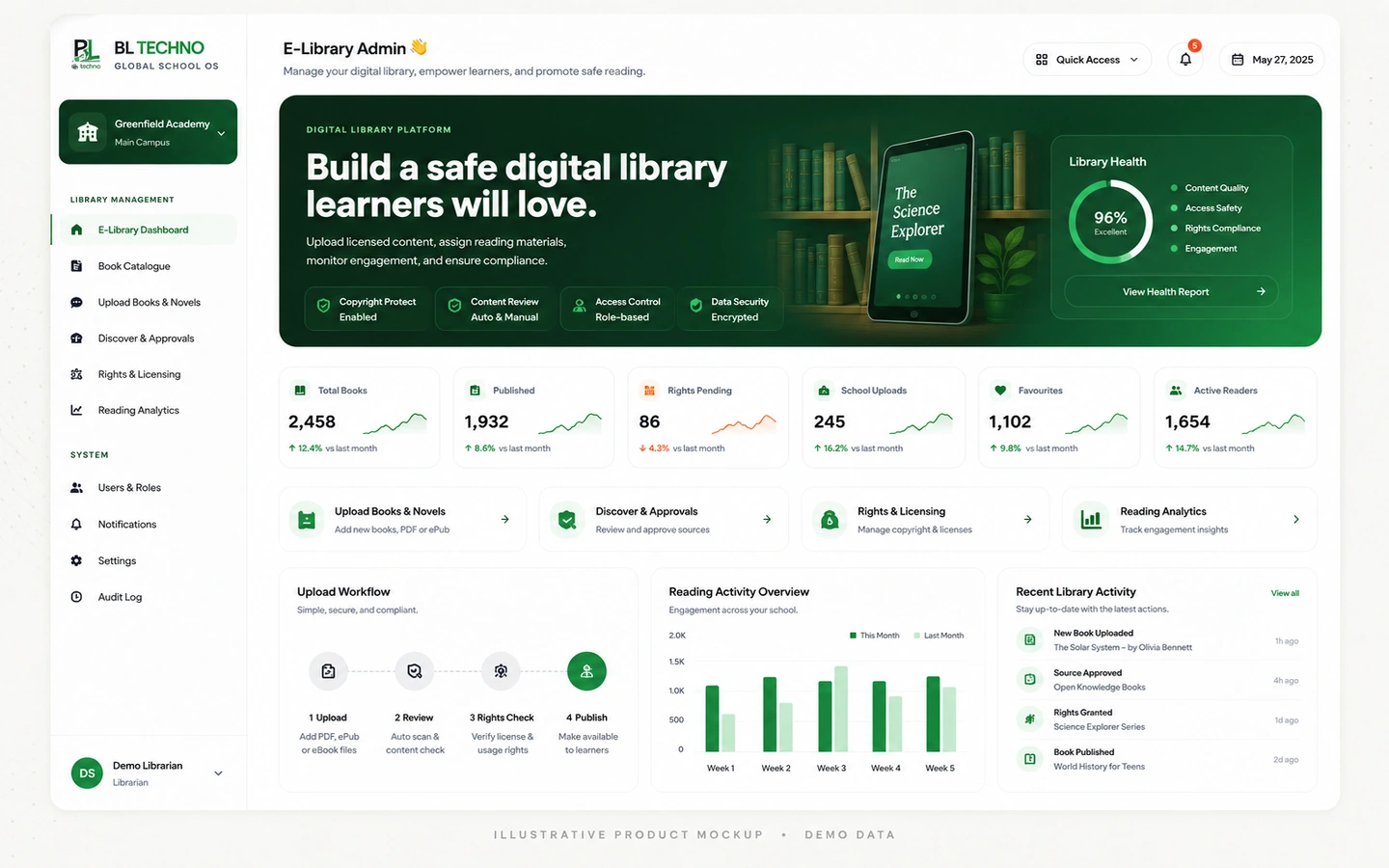 E-Library AdminE-Library Admin
Connect the resource to the appropriate centres, classes or learner groups.
Explore this workflow →E-Library AdminMake the approved resource available in the school library environment.
Explore this workflow →E-Library AdminTeachers and learners find resources through their connected academic experiences.
Explore this workflow →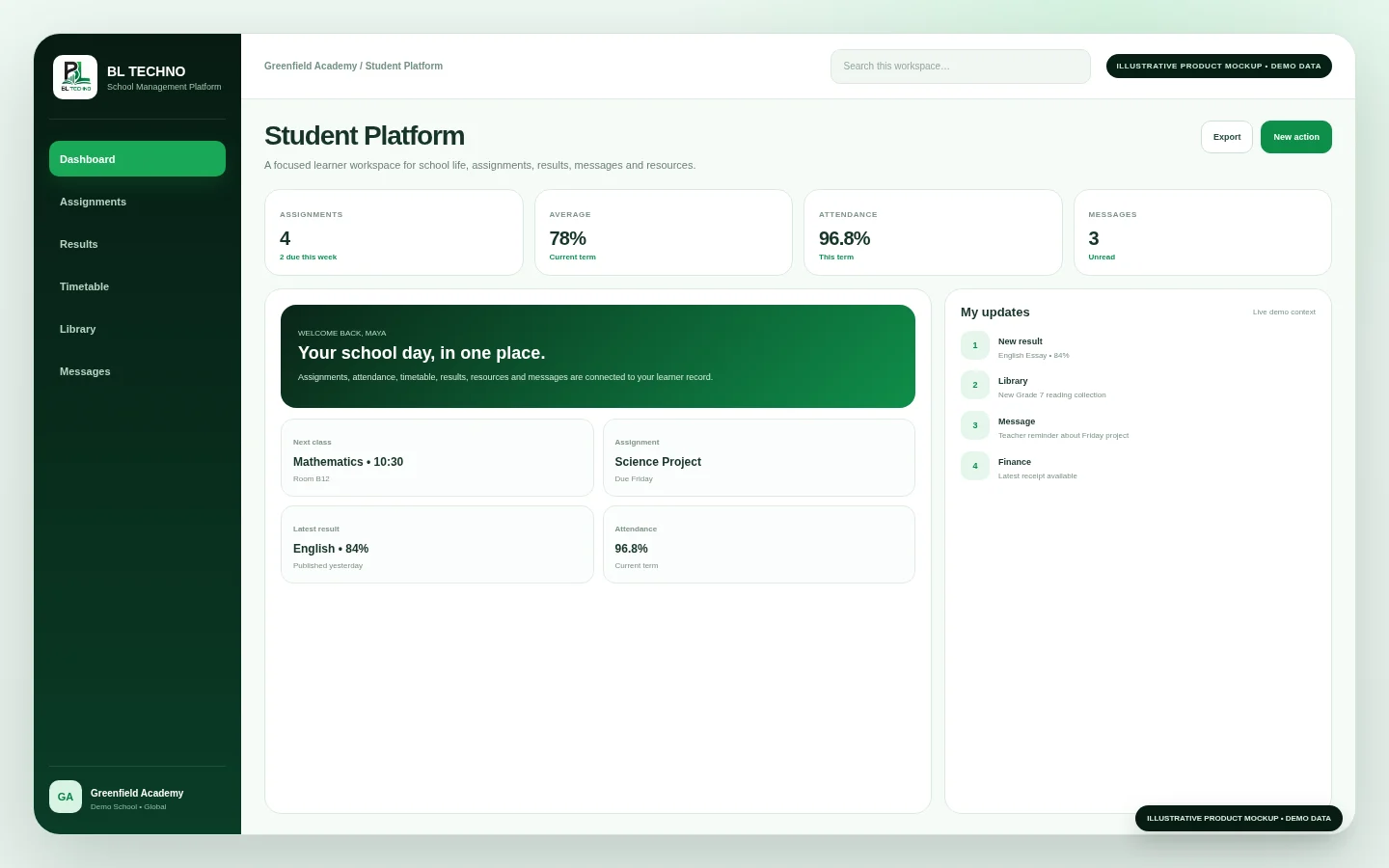 Student Platform
The product journey follows the way this part of the school operates instead of forcing users through unrelated modules.
Approved school resource
Title, subject and context
Centres, classes and grades
Add to school library
Teacher and learner access
Each capability has a clear operational purpose and remains part of the wider school context.
Add approved school books, novels and educational resources.
Connect resources to relevant subject areas.
Control where resources are relevant inside the school structure.
Keep copyright/source responsibility visible during administration.
Bring school resources into the teacher’s wider academic workspace.
Surface approved books and resources to learners through the Student experience.
These labels describe the kind of operating signals the workspace is built around. Exact live values come from the authorised school environment, not the public website.
E-Library AdminChoose an example role to see the product through the work that person is responsible for.
Organise and govern school digital resources.
E-Library AdminUse approved resources inside the academic workflow.
Student PlatformFind books and learning resources approved for school use.
E-Library AdminImplementation is not only software setup. It connects school structure, authorised users, data, working processes and training.
Confirm school expectations for approved digital resources and permissions.
Prepare subjects, grades, centres and classes used to organise content.
Add approved resources with clear source and assignment context.
Apply school-side approval and rights-awareness processes.
Introduce teacher and learner access through their academic workspaces.
Keep the catalogue useful, current and aligned to school learning needs.
Move into related BL TECHNO product families while preserving the wider school context.
BL TECHNO Library sits inside an authenticated school environment where role, scope and authorised actions matter.
Responsive behaviour should match the product audience instead of squeezing desktop UI into a phone.
These product-specific foundations explain why BL TECHNO Library belongs inside the connected BL TECHNO ecosystem.
The school remains responsible for what enters its resource environment.
Subject, grade, centre and class information helps organise discovery.
Resources can sit closer to lessons, assignments and classroom work.
Students receive a clearer route to school-approved resources through their portal.
The public teaser introduces the operating story using privacy-safe campaign visuals. A live demo can then focus on the exact Library workflows relevant to the school.
The current administration interface is designed for school-owned content, government/open educational resources and other resources where the school has documented permission.
The current design includes centre, class, grade and subject assignment context.
No. The E-Library is a school-controlled resource environment, not a public file-sharing repository.
We can focus the demo on the roles, centres and operating priorities that matter to your institution.
BL TECHNO is one global website. We suggest your country automatically so pricing can be shown in the local currency, and you can override the suggestion at any time.