ORGANISATION
Top LevelSchool / School Group
School identity, subscription context, global settings, reporting and authorised whole-school oversight.
BL TECHNO connects academic, administrative, financial, workforce, communication and transport operations while keeping each user inside a focused, authorised workspace.
This short public-safe visual introduces BL TECHNO as one operating ecosystem rather than a collection of disconnected school tools.
The platform moves from organisation context down to centre, academic structure, people and authorised actions—without forcing every role into the same interface.
School identity, subscription context, global settings, reporting and authorised whole-school oversight.
Local school operations, country and currency context, staff, classes, finance and centre-level administration.
Teaching, timetable, attendance, assessments, assignments, reports and learner grouping.
Role-specific experiences built on the same authorised school context.
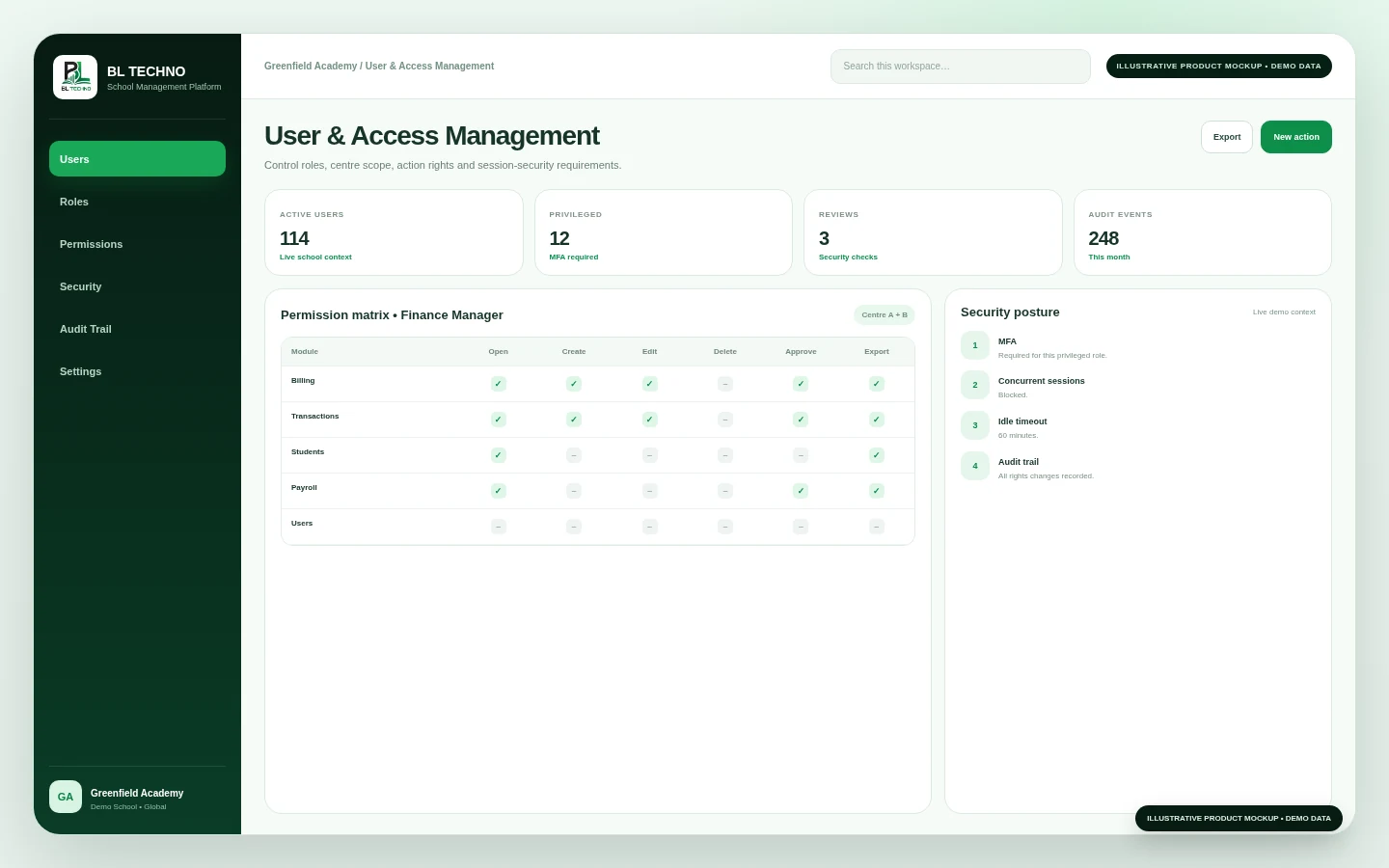
Protected operations can distinguish what a user may open, create, edit, delete, approve or export.
Each product has a focused responsibility. The platform value comes from keeping those responsibilities connected around the same school context.
 MANAGEMENT
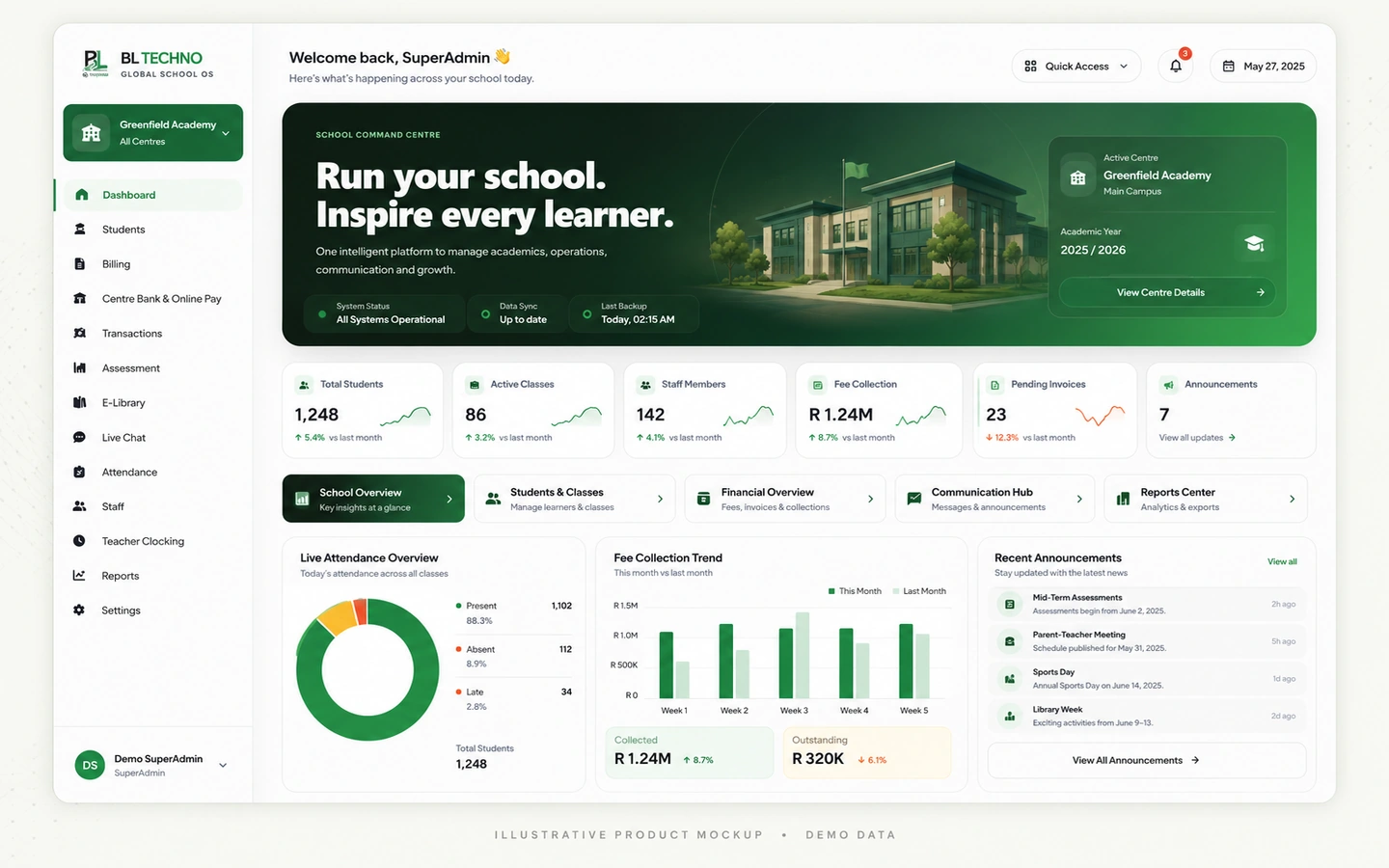
Executive dashboard, students, centres, administration, school command, users and operational oversight.
 TEACHING
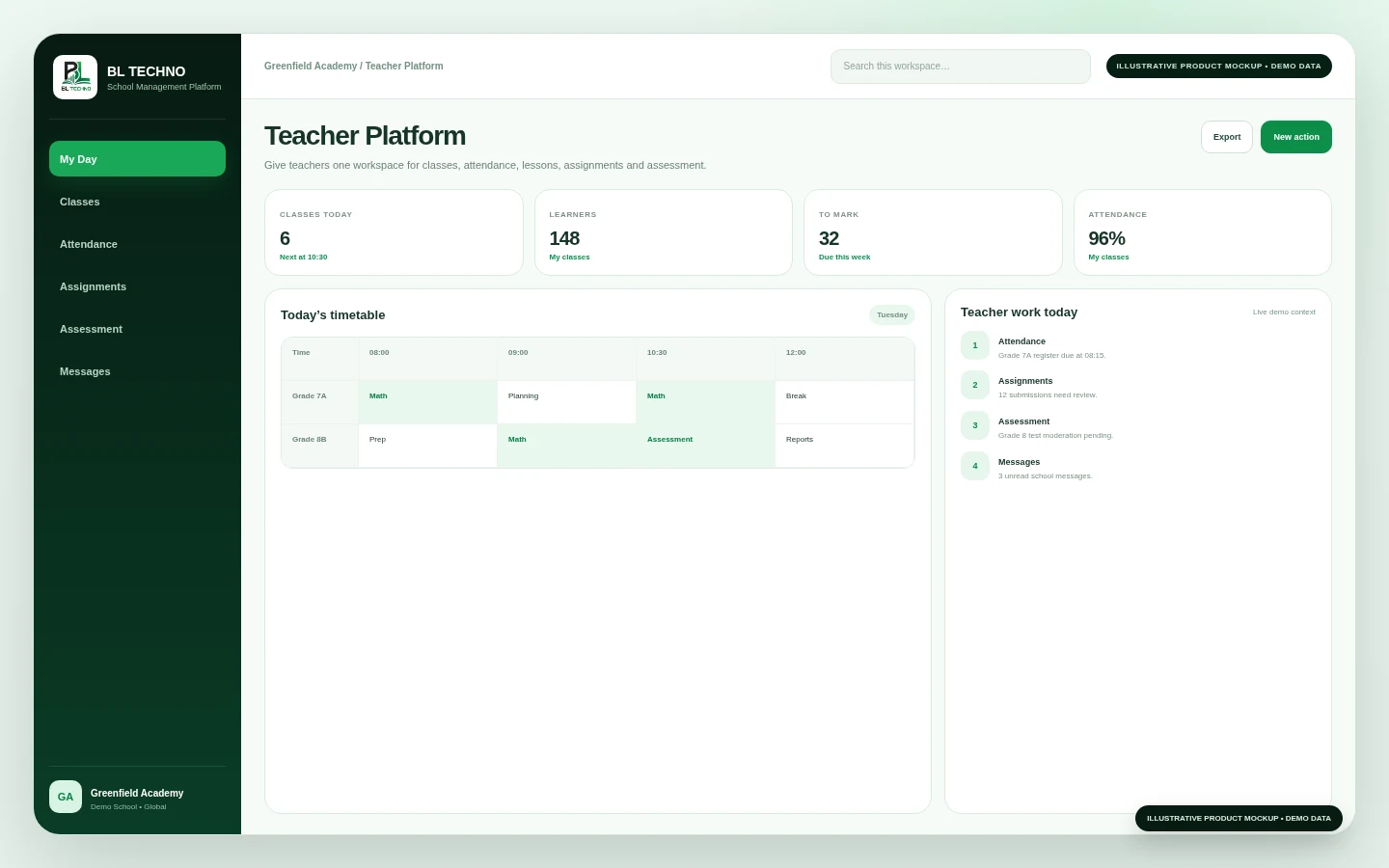
Classes, learners, attendance, assignments, assessments, gradebook, lessons, reports and communication.
 LEARNING
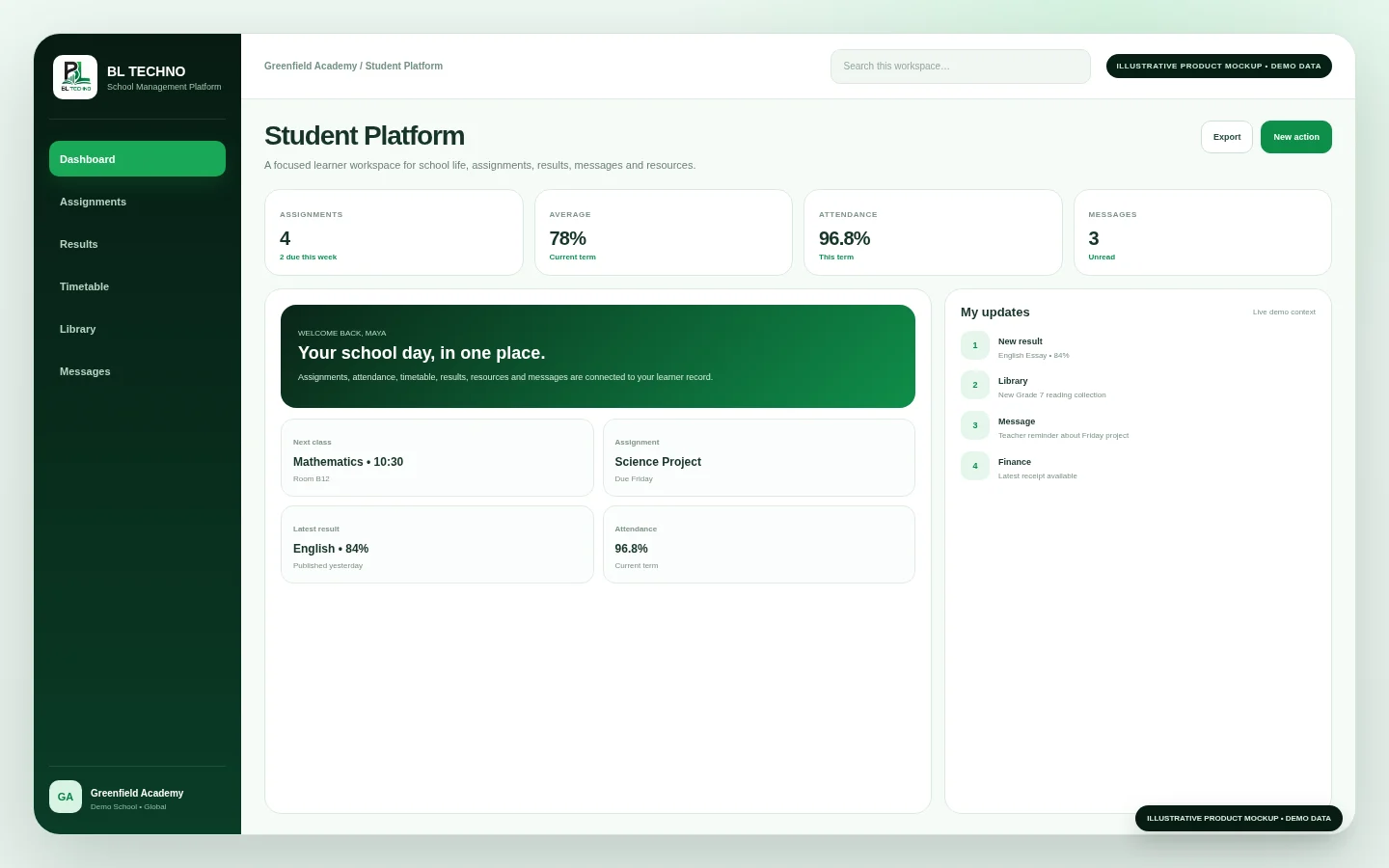
Assignments, results, timetable, attendance, school information, resources, communication, finance and transport context.
 FINANCE
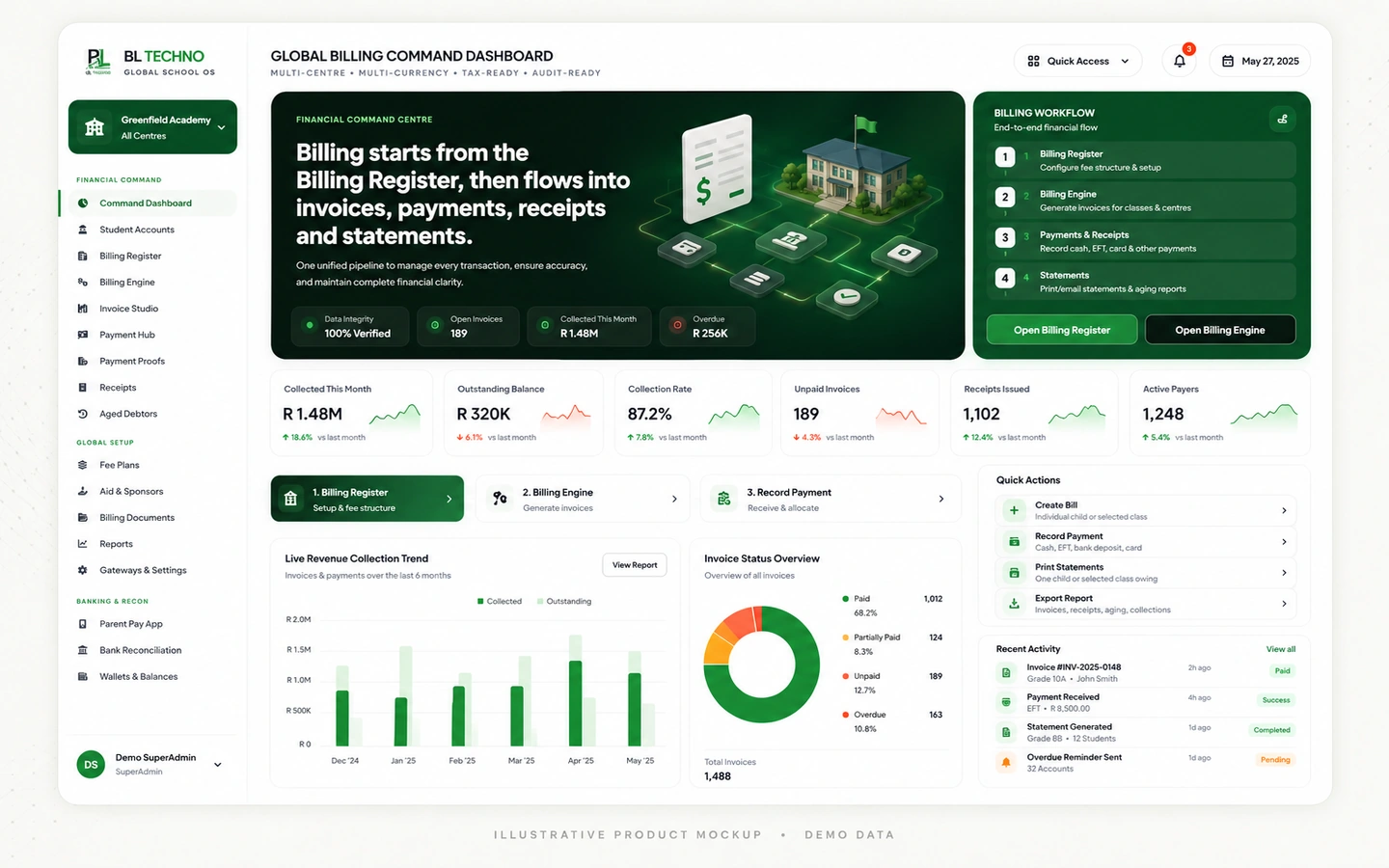
Billing, invoices, payments, receipts, debtors, transactions, payment links, refunds and financial visibility.
 WORKFORCE
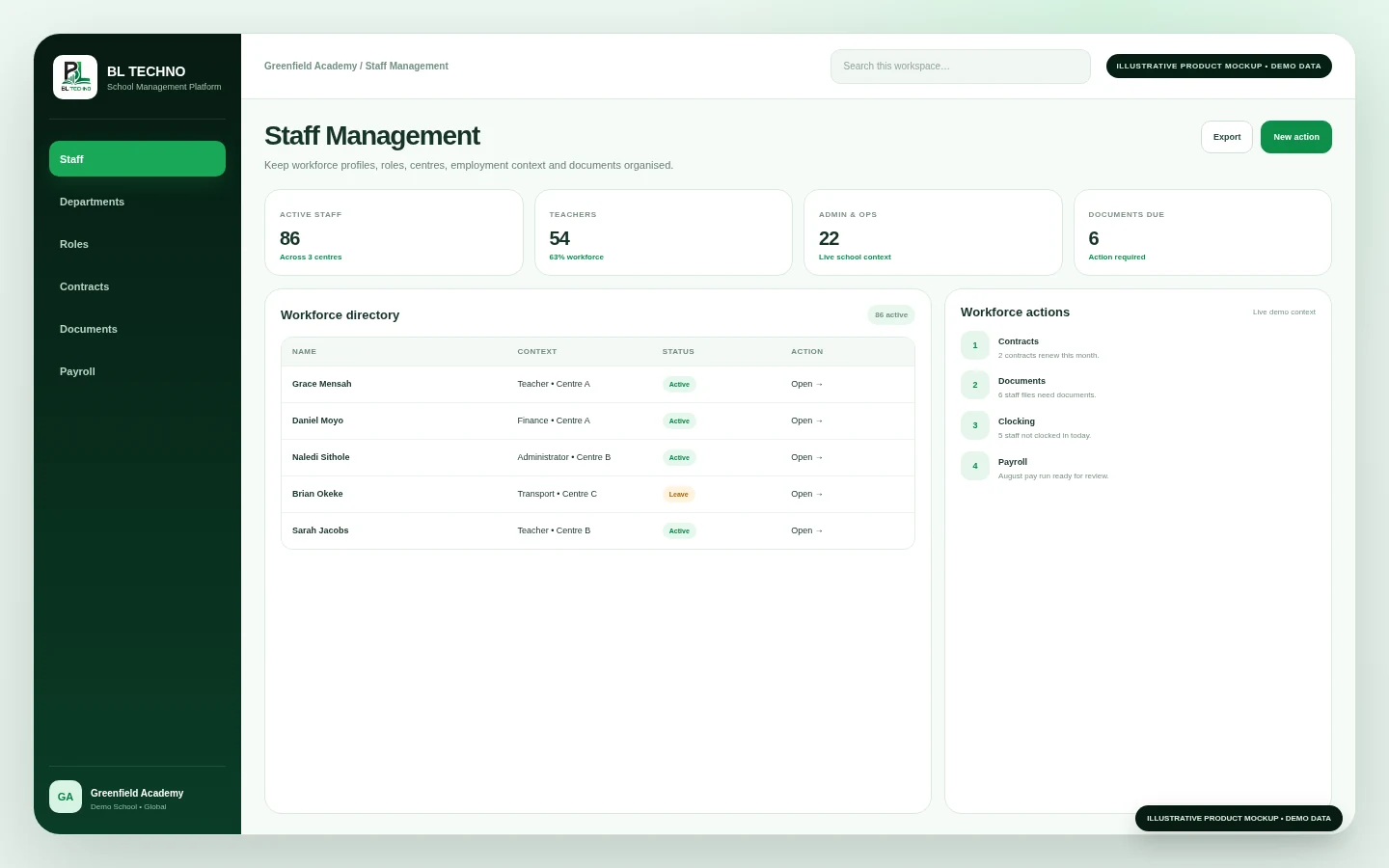
Staff management, workforce status, clocking, payroll and related school people operations.
 MOBILITY
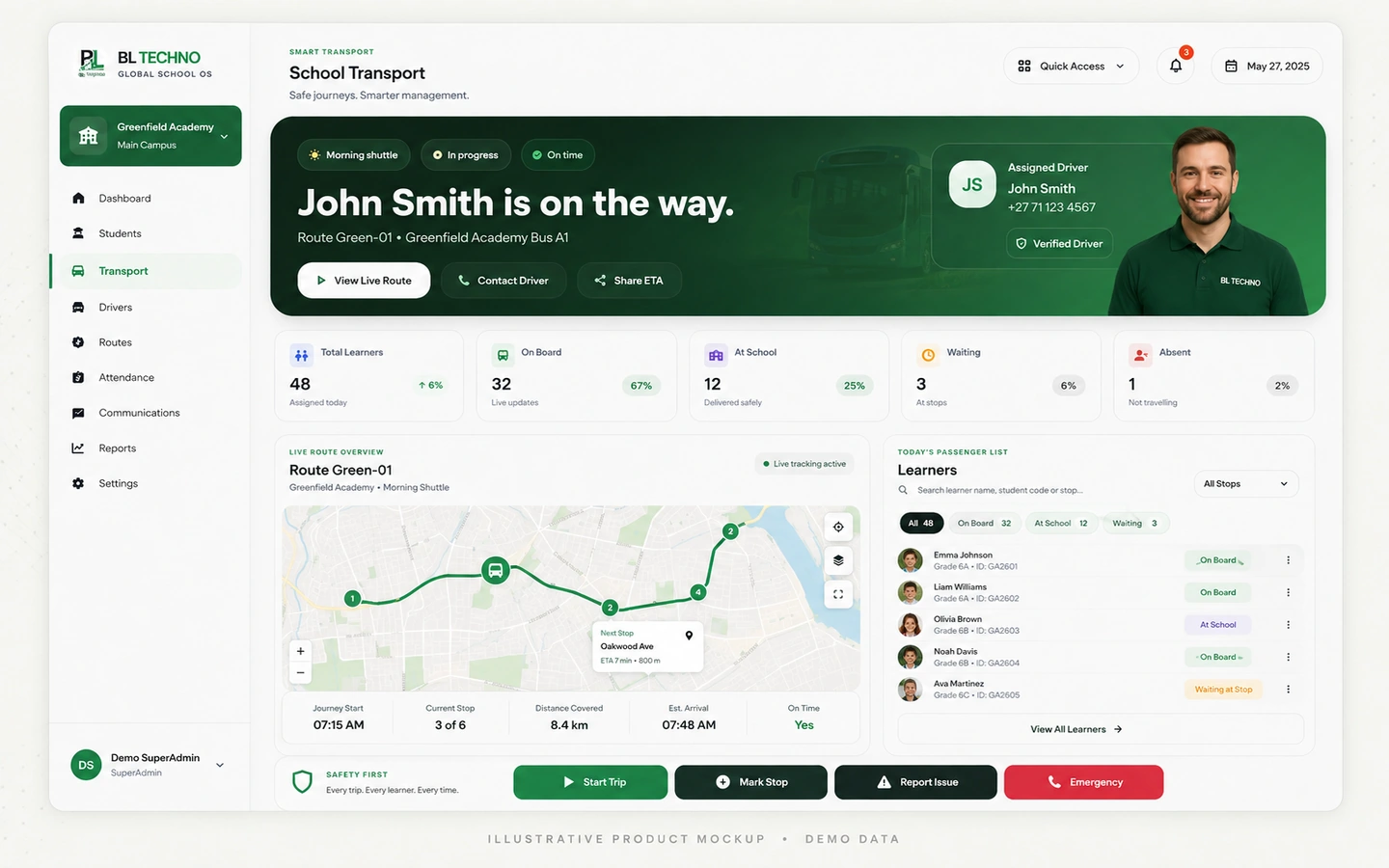
School transport administration, driver operations, vehicles, routes, learner assignments, trips and family visibility.
 COMMUNICATION
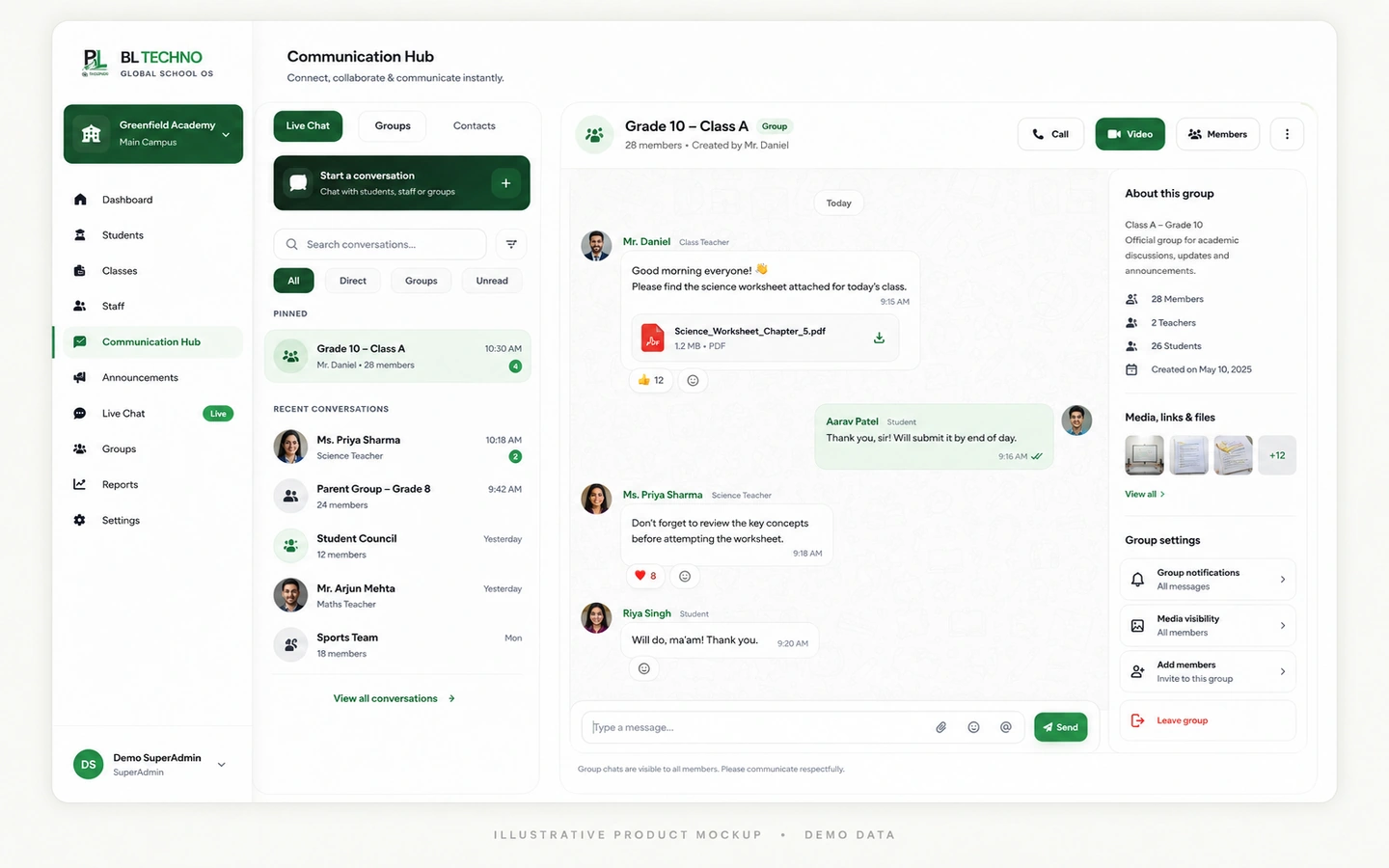
Live chat, announcements, notifications, meetings and secure information-sharing experiences.
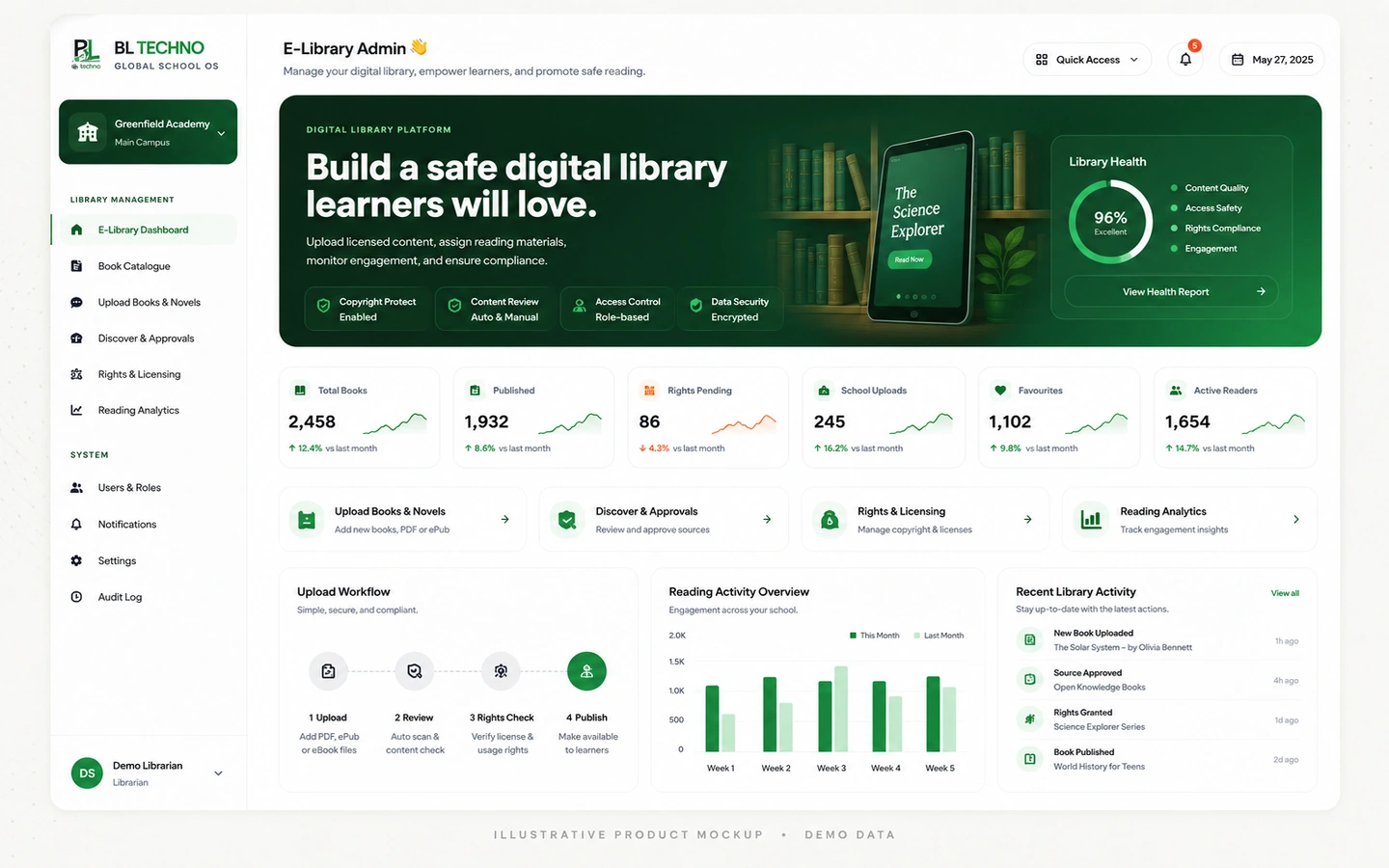 RESOURCES
Digital learning-resource administration with subject, grade and publication context.
Use the control-room selector to see how BL TECHNO changes focus while remaining part of one connected platform.
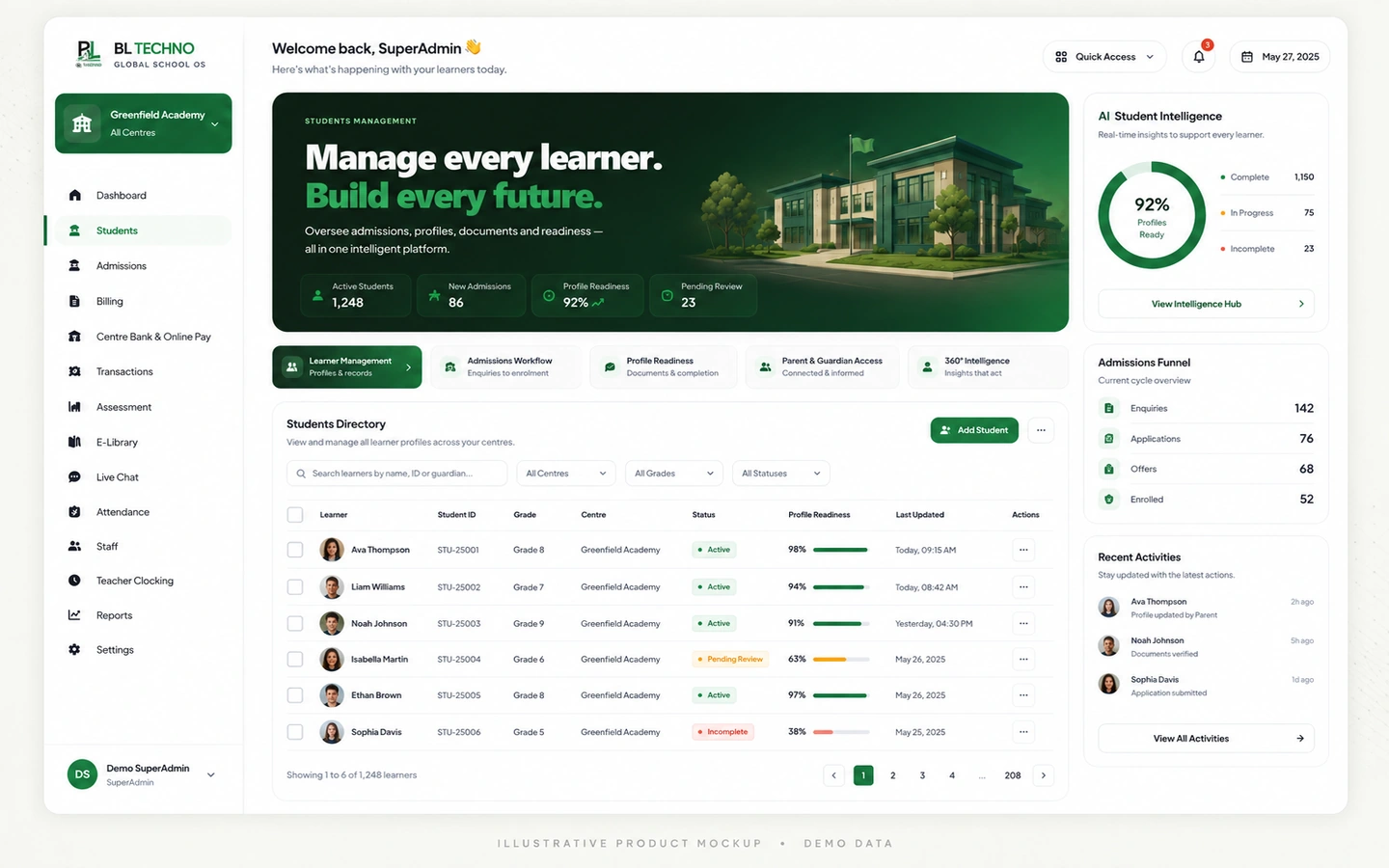
Dashboard, student operations, centres, users and school-command signals help management see what requires attention.
ILLUSTRATIVE PRODUCT MOCKUP • DEMO DATA
Learner records become more useful when registration, class placement, attendance, assessment and reporting stay connected.
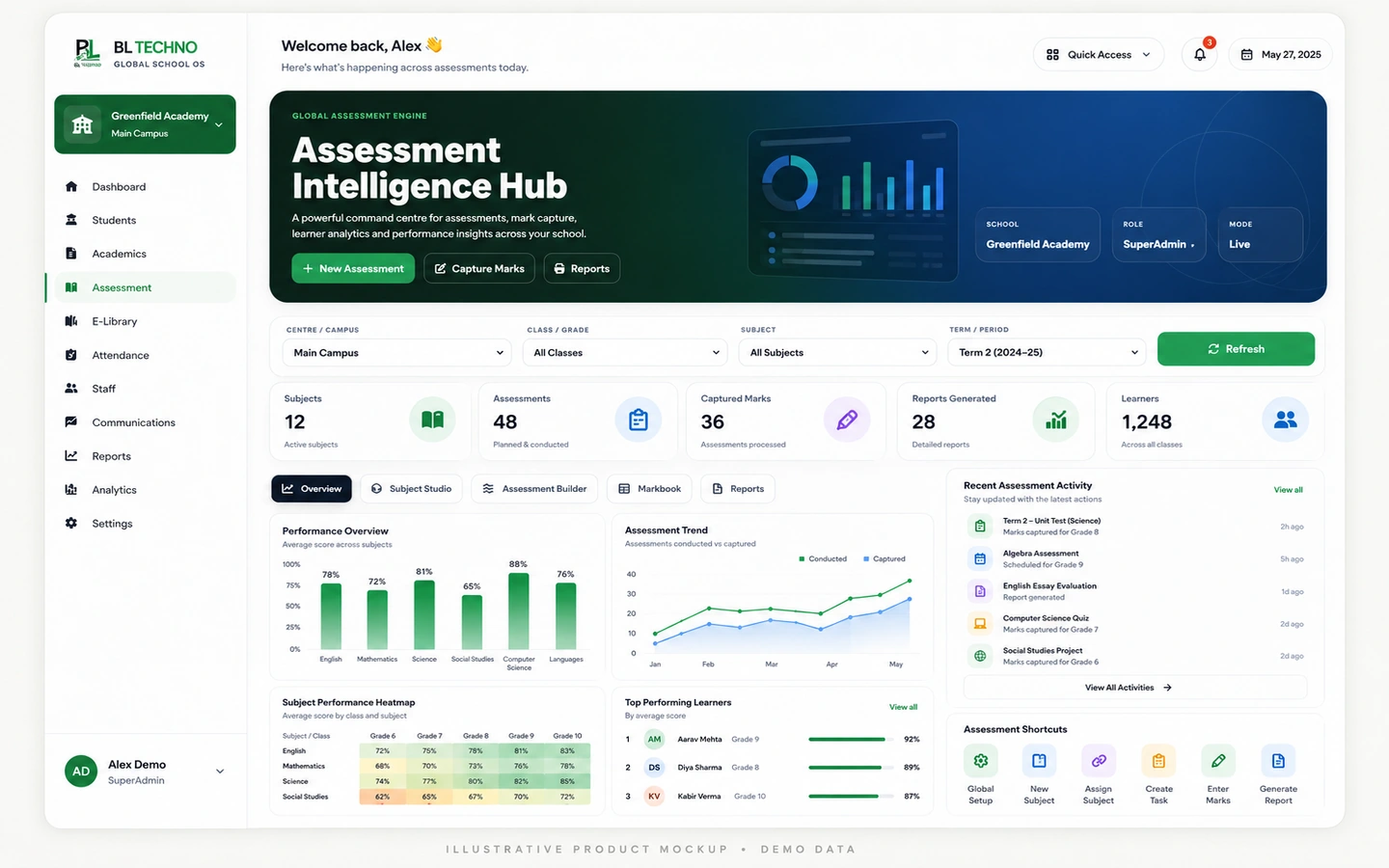 ILLUSTRATIVE PRODUCT MOCKUP • DEMO DATA
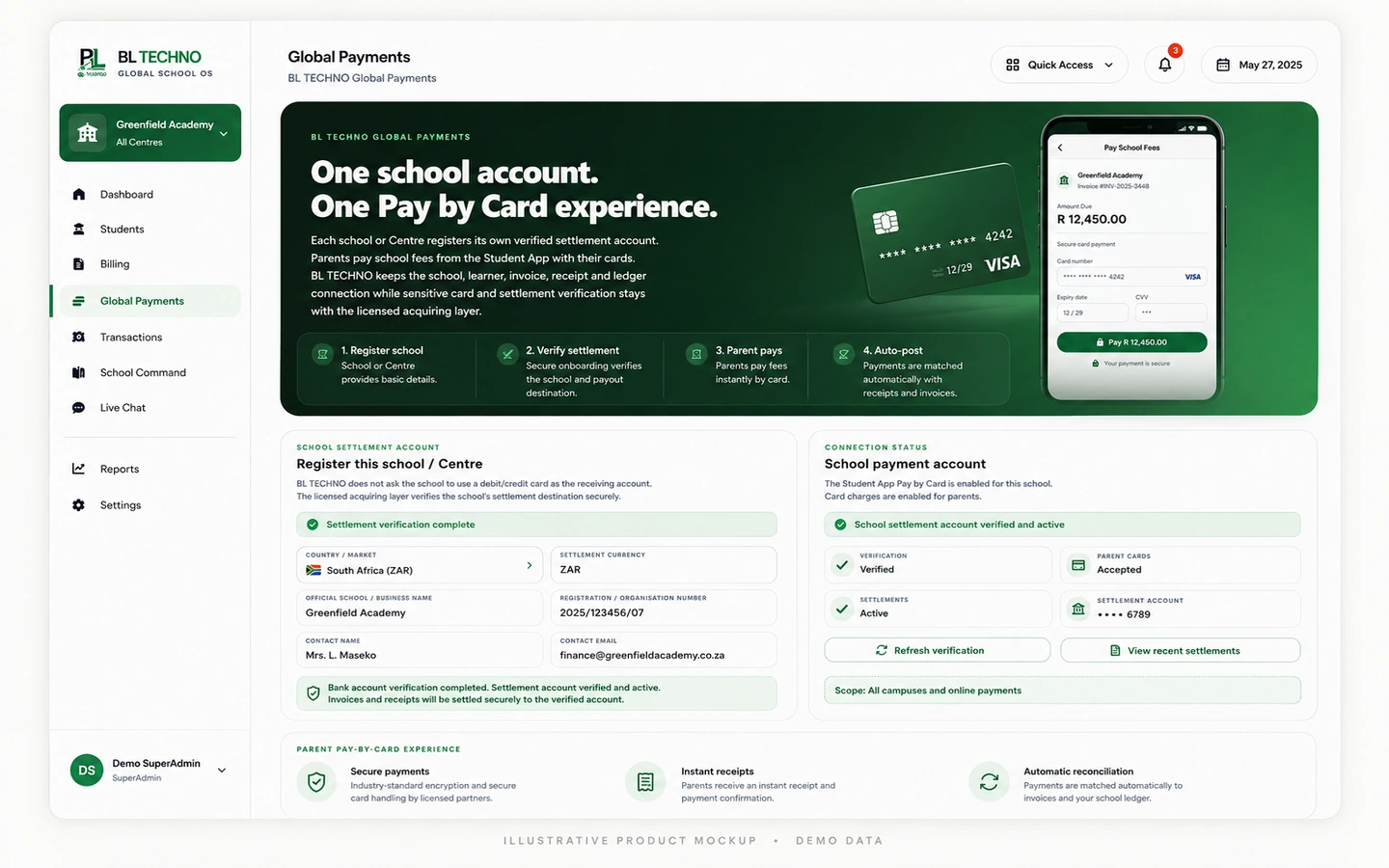
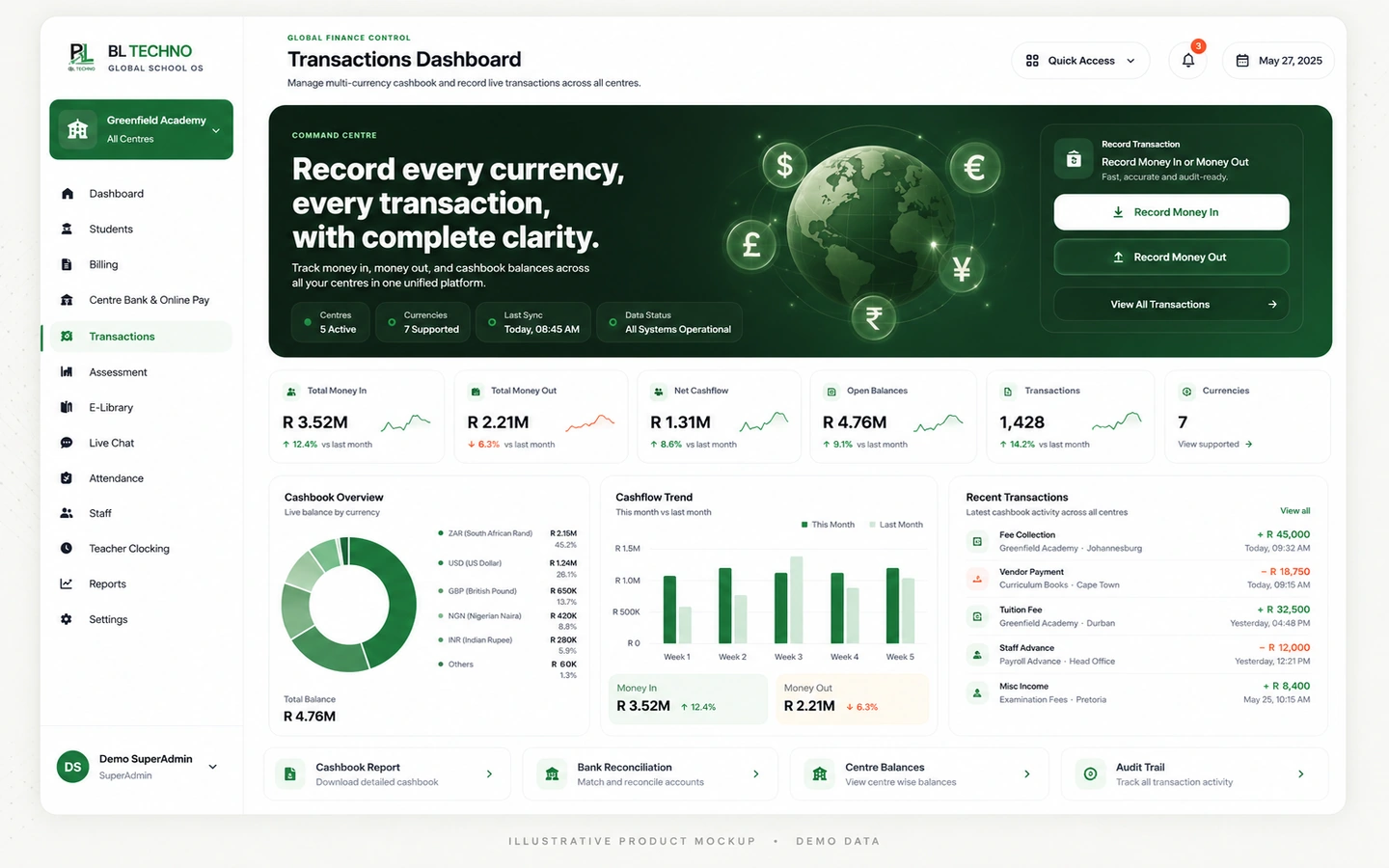
Billing, payments and transactions sit inside one finance story rather than separate spreadsheets and disconnected screens.
ILLUSTRATIVE PRODUCT MOCKUP • DEMO DATA
Staff records, clocking and payroll connect workforce information to the wider school environment.
ILLUSTRATIVE PRODUCT MOCKUP • DEMO DATA
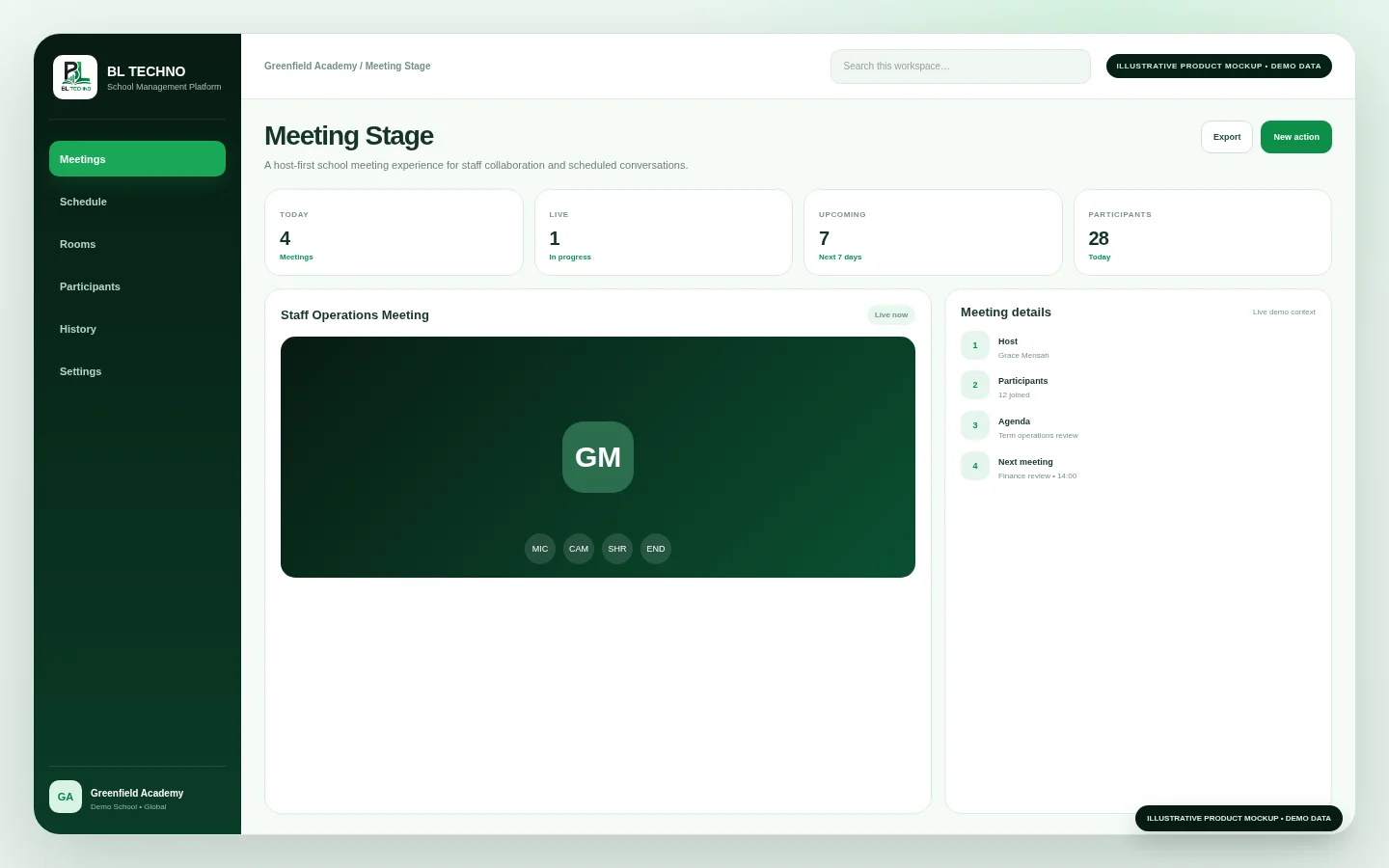
Live chat, announcements, notifications and meetings support communication without becoming a separate island.
ILLUSTRATIVE PRODUCT MOCKUP • DEMO DATA
Routes, drivers, vehicles, learner assignments and trip context live in the transport product family.
ILLUSTRATIVE PRODUCT MOCKUP • DEMO DATA
A connected platform reduces repeated capture because one authorised school event can become useful context for another workflow.
A learner enters through digital admissions.
Assign centre, class and academic context.
Teachers work with classes and learning tasks.
Attendance and assessment create operational signals.
Billing, payment and transaction context stays connected.
Students and families receive relevant information.
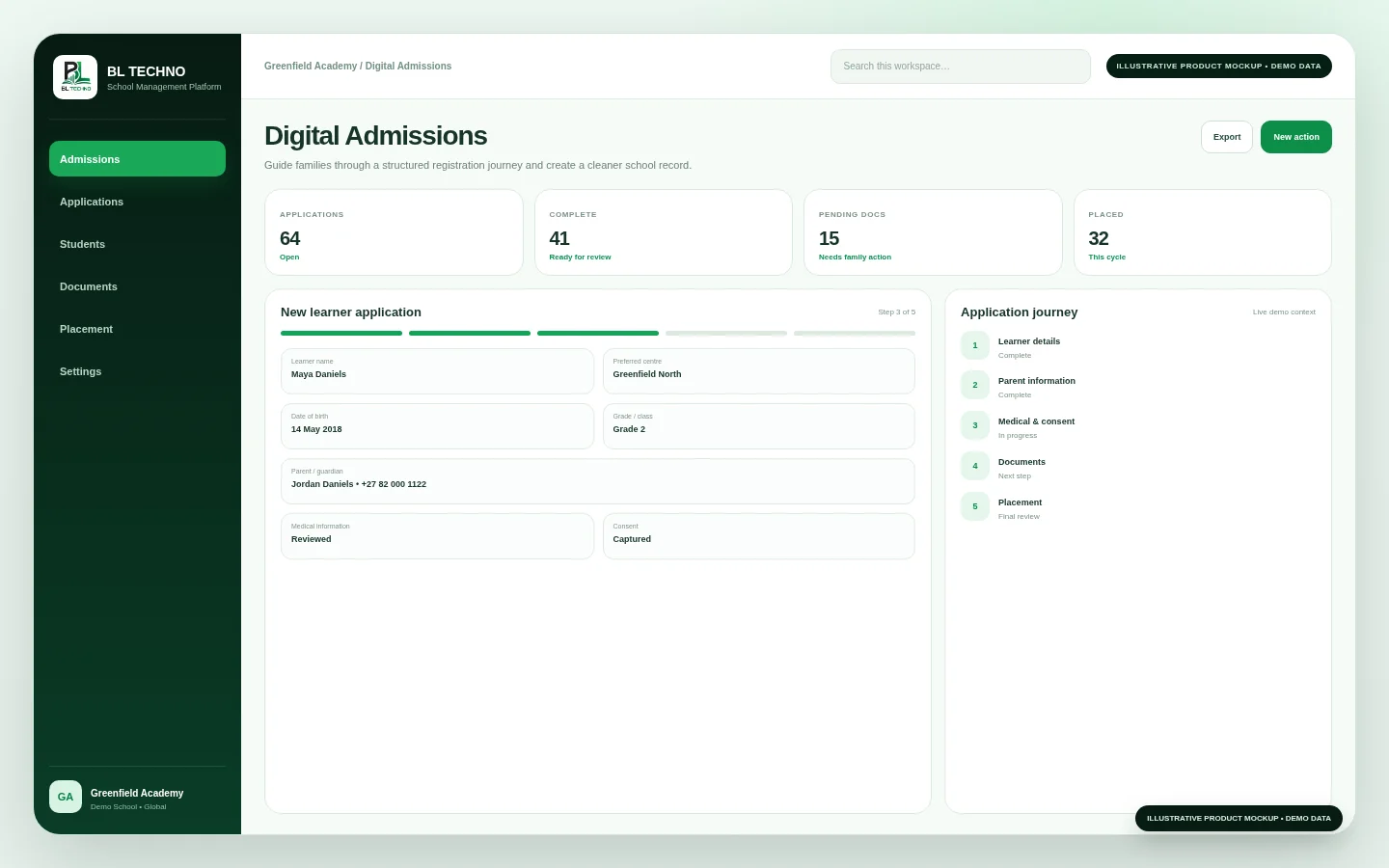
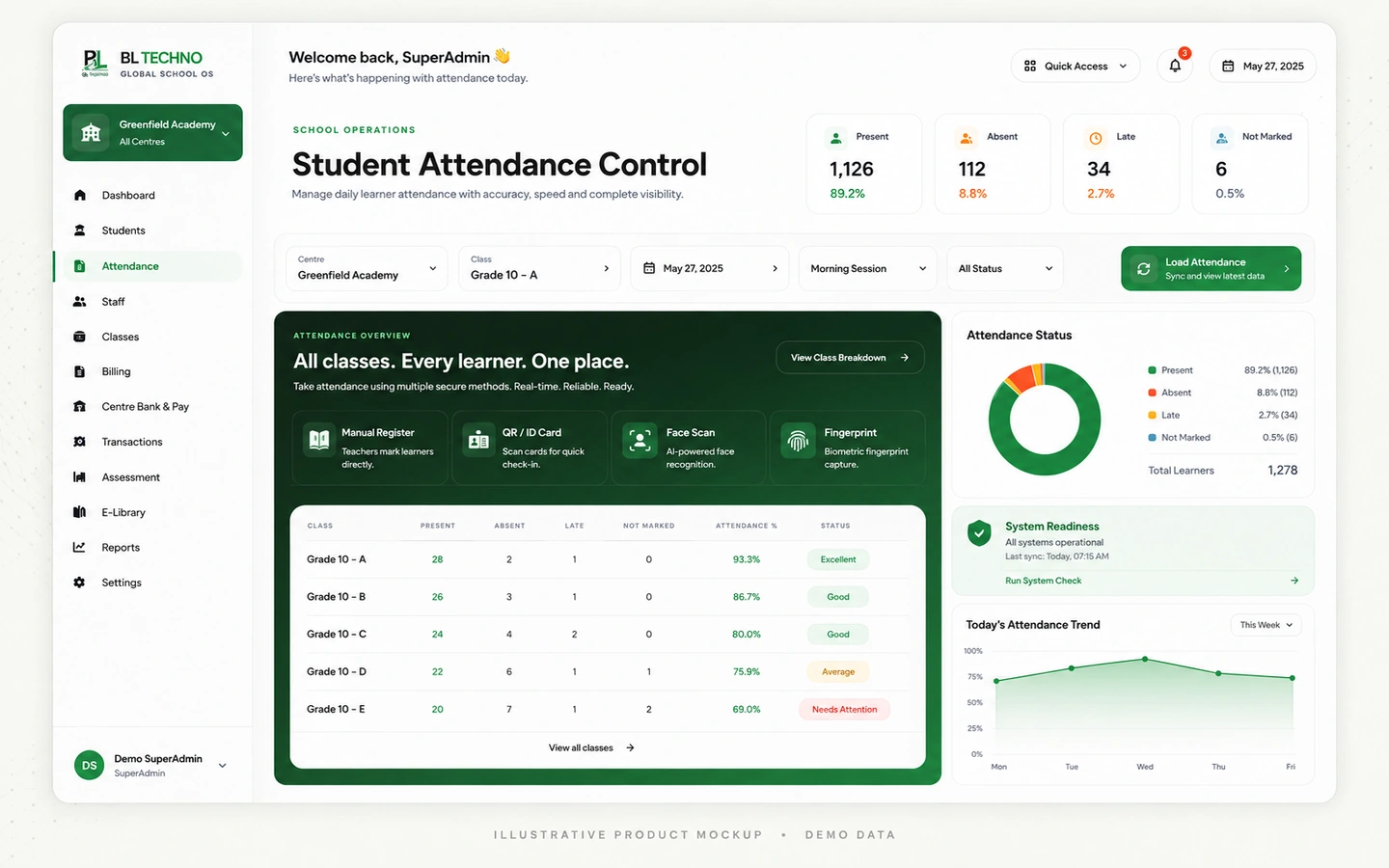
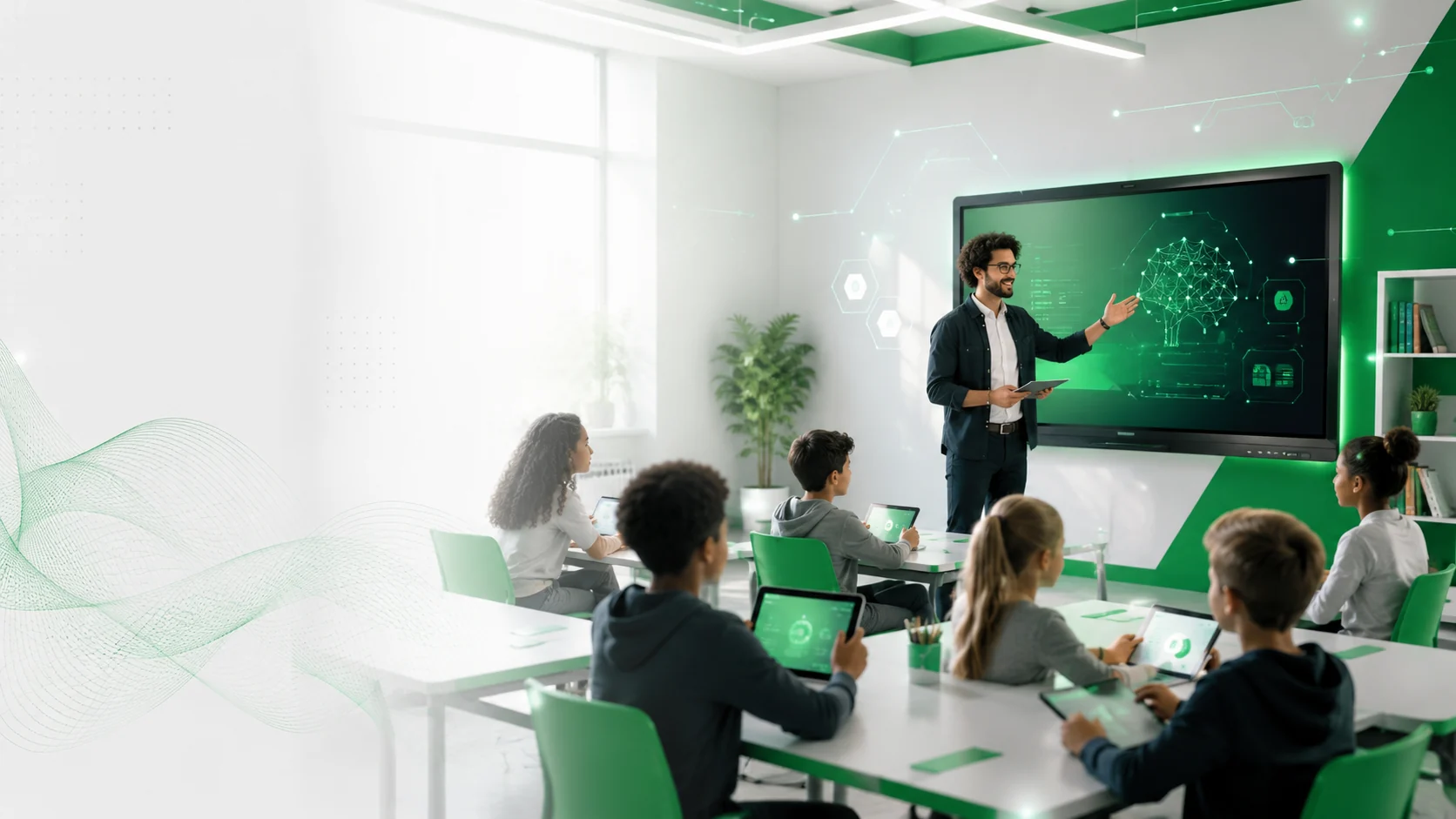
BL TECHNO connects the major academic moments that define the learner journey while keeping teachers, students and authorised school teams focused on the information relevant to them.
BL TECHNO Finance brings student billing, invoices, payments, receipts, debtors and transaction records into one school-finance product family.
Workforce information becomes more useful when staff identity, centre context, working status and payroll operations are connected to the wider school platform.
Profiles, roles, departments, employment context and centre relationships.
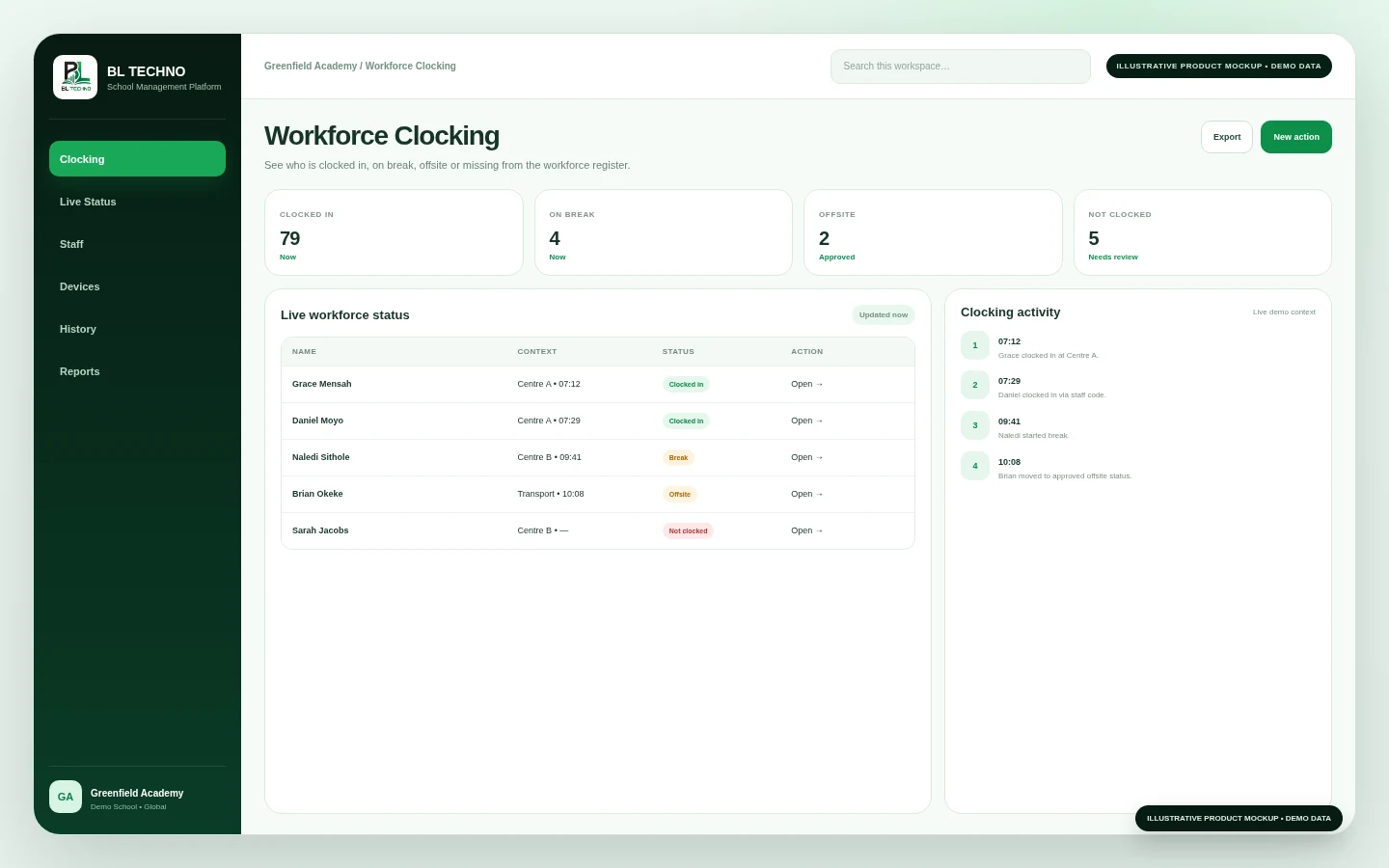
Live states for clocked in, break, offsite, clocked out and exceptions.
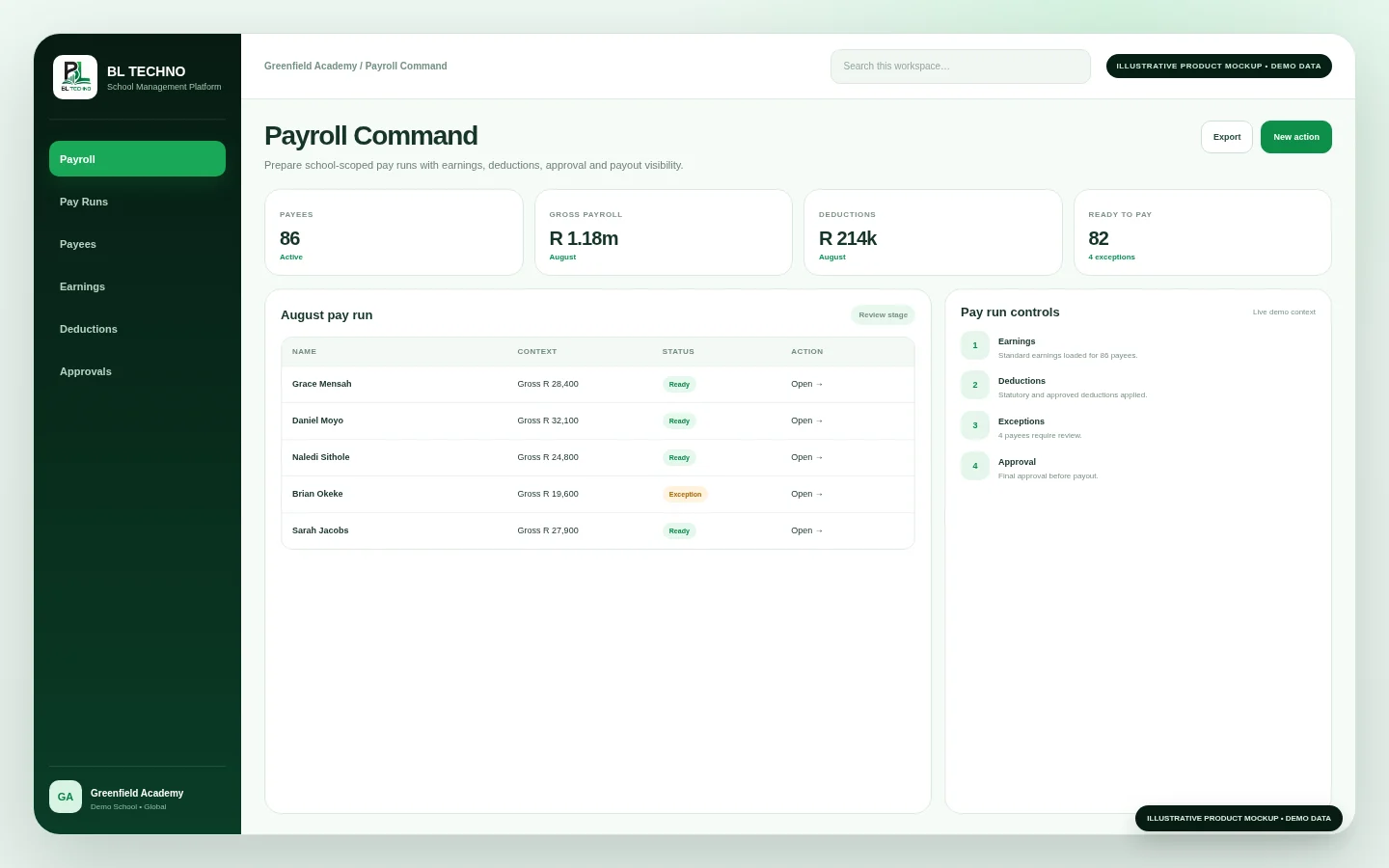
Pay-run context, earnings, deductions, exceptions and approval workflows.
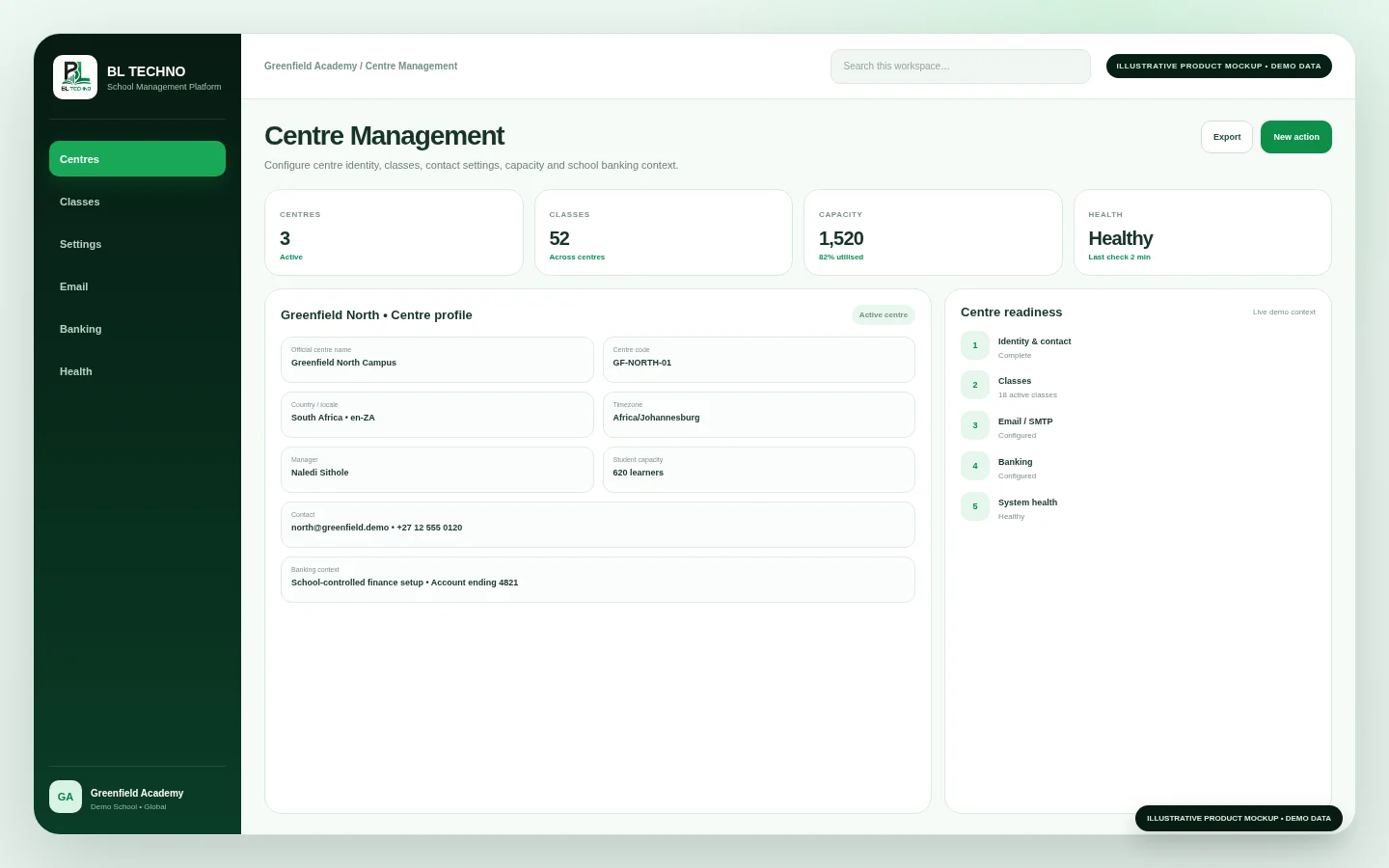
Centre Management and User & Access Management support local operating context and controlled access.
BL TECHNO Connect and BL TECHNO Library support communication, meetings and resource access without forcing the school into separate disconnected environments.
Transport administration can organise drivers, vehicles, routes, learner assignments and trips while driver and family-facing experiences stay focused on the information they are authorised to use.
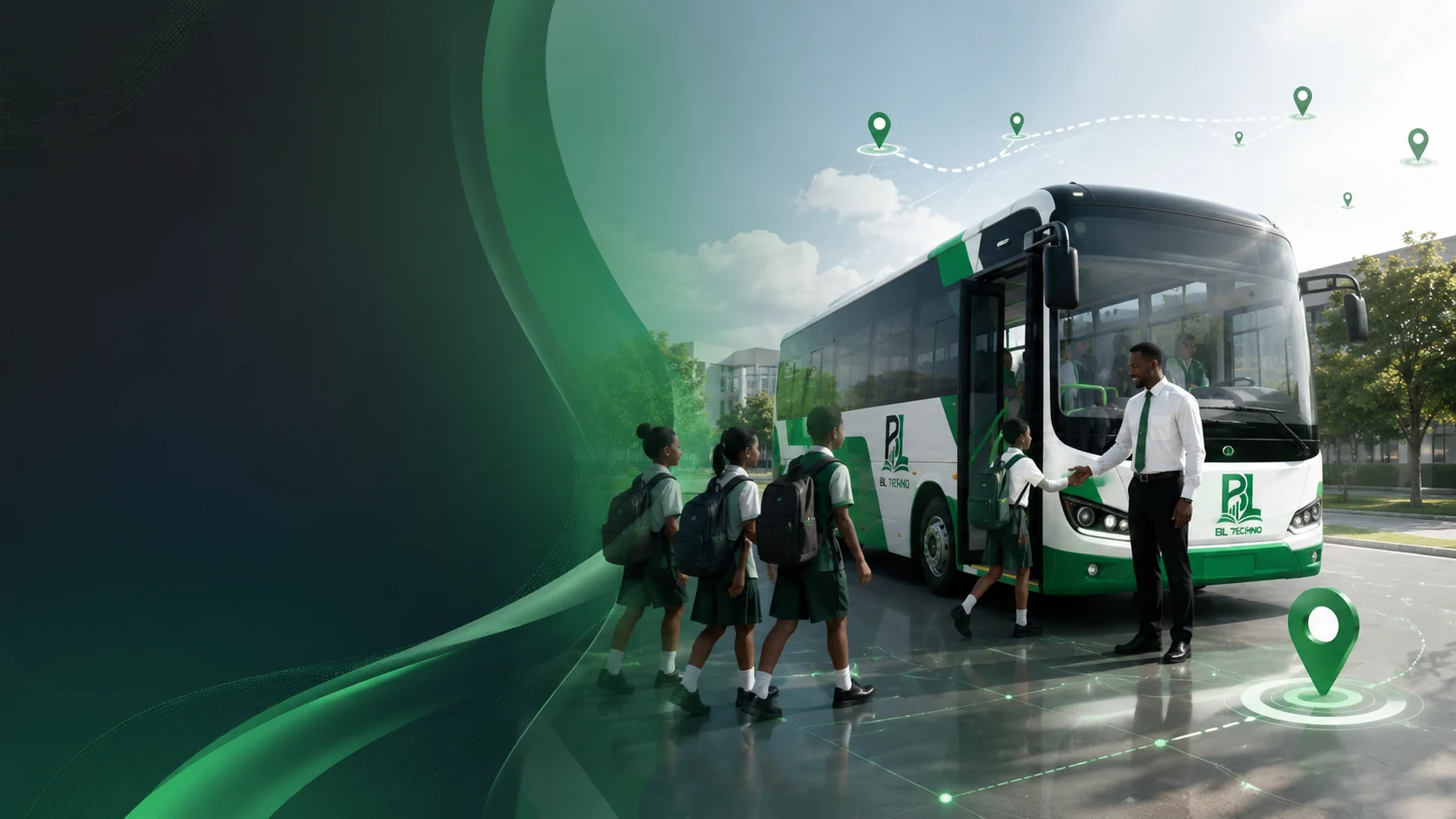
Role-focused workspaces reduce complexity while preserving one connected school context.
BL TECHNO is structured around school and centre context, allowing the same platform to support a single-site school or a larger multi-campus organisation.
The platform architecture supports school and centre country, currency and timezone context together with locale, language, text direction, week-start and time-format preferences.
Global architecture does not automatically mean every payment method, tax rule, payroll rule or legal requirement is available in every country. Those services remain market-specific.
Explore Global Readiness →BL TECHNO's school-access design distinguishes what a user may open from what they may create, edit, delete, approve or export.
Users receive role-appropriate capabilities.
School and centre context can constrain operational access.
Sensitive changes can be reviewed through controlled history.
Privileged global administration remains separate from normal public and school access.
PUBLIC-SAFE ACCESS MANAGEMENT VISUAL • DEMO DATAManagement teams may work from desktops, while teachers, students and drivers often work from phones or tablets. BL TECHNO's public product experience reflects those different environments instead of squeezing one desktop design into every device.
Every visual is a curated illustrative mockup using fictional demo context, designed to show product value without exposing production school records.
A clear implementation journey helps the school move from requirements and configuration into onboarding, training, validation and day-to-day operation.
Understand the institution, campuses, users, priorities and current processes.
Map the right products, feature priorities, roles and access approach.
Set school identity, centres, classes, country context and permissions.
Prepare students, staff, classes and approved operational data.
Prepare management, teachers, finance, operations and relevant users.
Review access, workflows, data quality and go-live readiness.
Run daily school workflows through the connected platform.
Add capabilities, campuses or teams as the school grows.
BL TECHNO is presented as one connected school platform with focused product families for management, teaching, learners, finance, workforce, transport, communication and resources.
Yes. School management, teachers, students, families, finance teams and drivers require different authorised experiences while sharing the same school context.
The platform is structured around school and centre context and is designed to support both single-site and multi-campus operating models.
The finance product family includes billing, invoices, payments, receipts, debtors and transactions while remaining part of the wider school ecosystem.
Yes. BL TECHNO includes school transport administration together with driver and family-facing transport experiences.
The public security model describes role, scope and action-based access with separate rights for operations such as opening, creating, editing, deleting, approving and exporting.
The architecture supports configurable country, currency, timezone, locale, language and text-direction context. Commercial availability still depends on market-specific readiness.
The Product Tour contains the curated public-safe mockup library across management, academic, finance, workforce, transport, communication and administration areas.
Explore BL TECHNO with a demonstration tailored to your institution, country, size and operational priorities.
BL TECHNO is one global website. We suggest your country automatically so pricing can be shown in the local currency, and you can override the suggestion at any time.