Duplicate data entry
The same learner or family information can be captured repeatedly across forms and systems.
BL TECHNO helps administrators manage admissions, learner records, attendance context, centres, users, documents and operational tasks without re-entering the same school information across separate systems.
For Administrators, the solution begins with the operational pressures below and connects them back into the wider school platform.
The same learner or family information can be captured repeatedly across forms and systems.
Changes to classes, contacts and school context need a reliable place to live.
Administrators support teachers, finance, parents and leadership throughout the day.
New staff and changing responsibilities require controlled user setup.
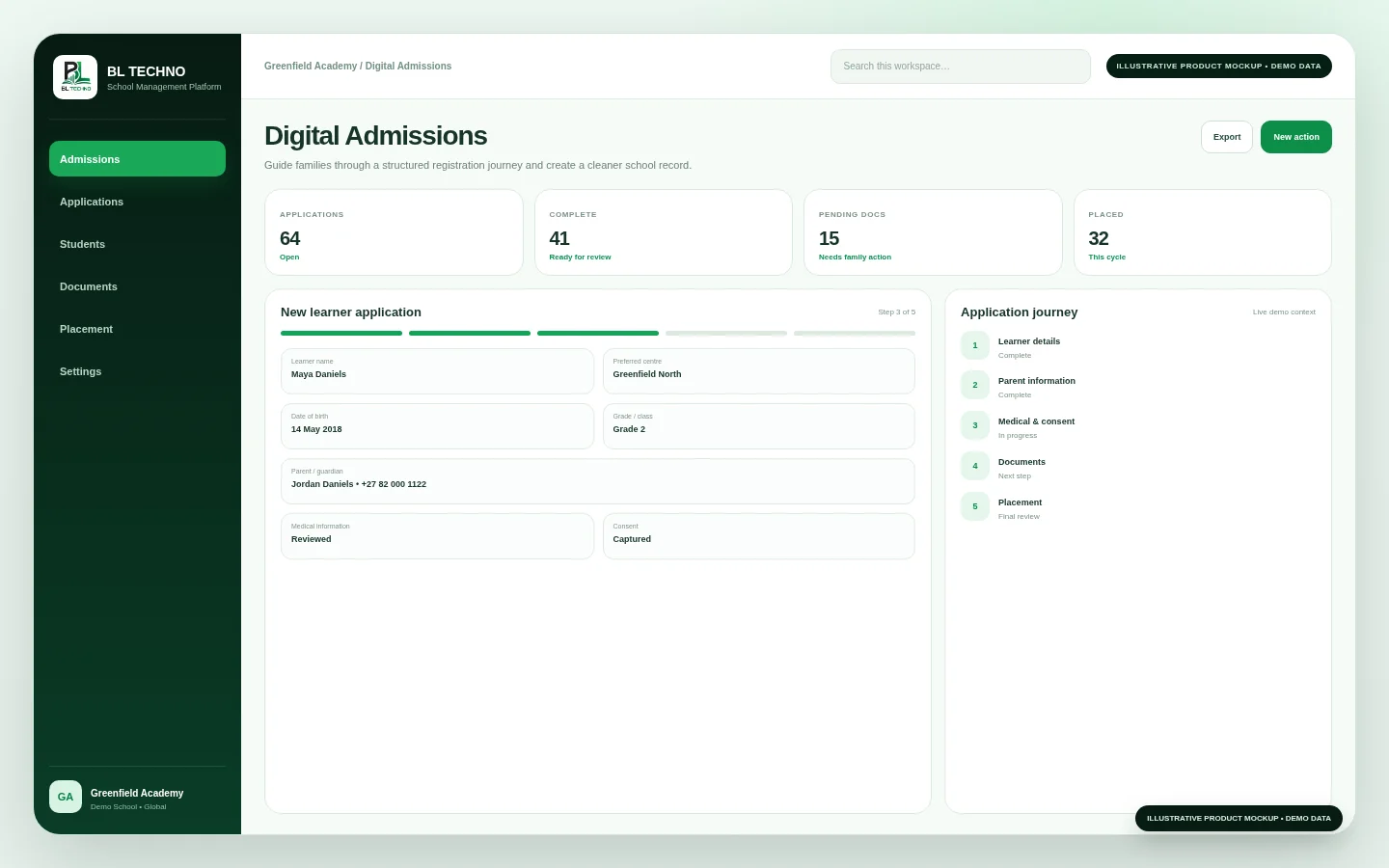
These privacy-safe illustrative mockups show the product areas that support this solution without exposing production school, learner, finance or transport records.
The workflow keeps school context connected so information can move into the next authorised responsibility instead of being repeatedly re-entered.
Admission or school request
These products and features are the primary BL TECHNO building blocks for Administrators. They remain part of the same platform and security model.
Core administrative workspace.
Explore product →COSchool communication support.
Explore product →FICoordinate with finance while maintaining role separation.
Explore product →WOSupport staff records and operational context.
Explore product →These outcomes describe the operational value of connecting the workflows already represented by this solution.
Use connected learner and school context across workflows.
Give administrators a structured place to maintain operational information.
Support teachers, finance and leadership from the same school ecosystem.
Manage roles and centre scope rather than sharing broad accounts.
Responsibilities can overlap without requiring broad, shared access. Each person can work inside the scope and actions appropriate to their role.
Core school administration.
Focus on intake and learner records.
Handle front-line school requests.
Manage approved school-user access.
Implementation works best when the school first agrees its structure, data ownership, access responsibilities and rollout order. The platform can then be introduced in a sequence that supports the school day instead of disrupting it.
Document the current administration process before automating it.
Clean duplicate learner and user records before migration.
Set standard ownership for key data fields.
Train administrators as the first line of data quality.
Institution or role fit does not remove the controls that protect school context or the configuration needed for international and responsive use.
Identity, authorised role, school/centre scope and configured actions remain part of the experience. Privileged global administration remains separate from ordinary school-user access.
Country, currency, timezone, locale, language and direction can be configured around the school, while responsive experiences support desktop, tablet and mobile usage patterns.
Combine institution, role and growth perspectives to build a more complete picture of how BL TECHNO fits your organisation.
Where authorised, user-management workflows can support user creation and role/permission administration.
The intended connected journey is for intake information to become part of the learner’s school record rather than being re-entered.
Only according to their authorised role and permissions; finance responsibilities can remain separated.
One Platform. Every Part of Your School.
BL TECHNO is one global website. We suggest your country automatically so pricing can be shown in the local currency, and you can override the suggestion at any time.