
 STEP 01
ADMINISTRATION WORKFLOW
Create
School App user
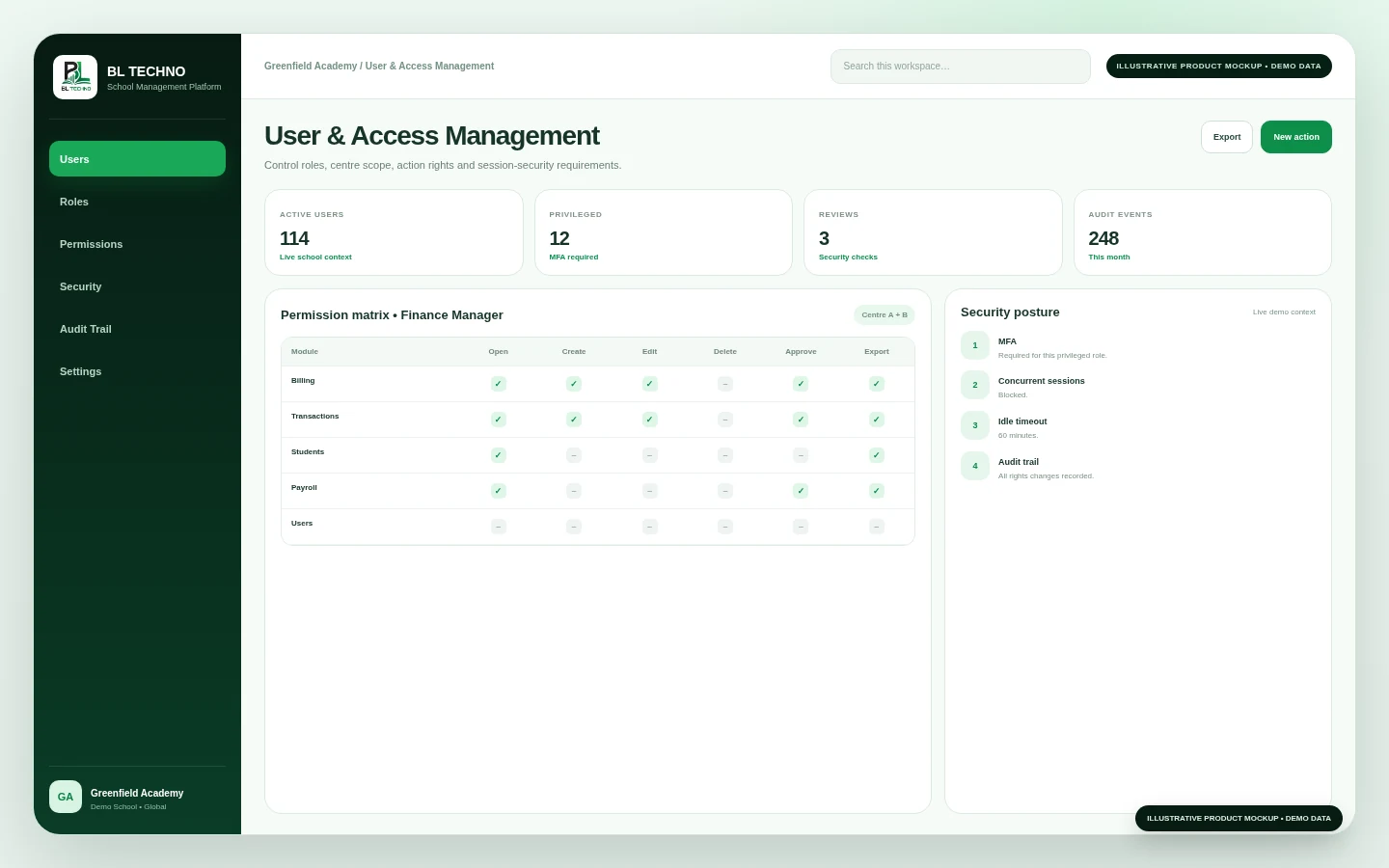
User & Access ManagementManage users, role baselines, module access, action permissions, centre scope, account-security settings and access-control audit history from one governed administration area.
ILLUSTRATIVE • DEMO DATAManage users, role baselines, module access, action permissions, centre scope, account-security settings and access-control audit history from one governed administration area.
See BL TECHNO School →Tap a step to change the visual. Each stage comes directly from the feature workflow defined for BL TECHNO.
STEP 01School App user
User & Access Management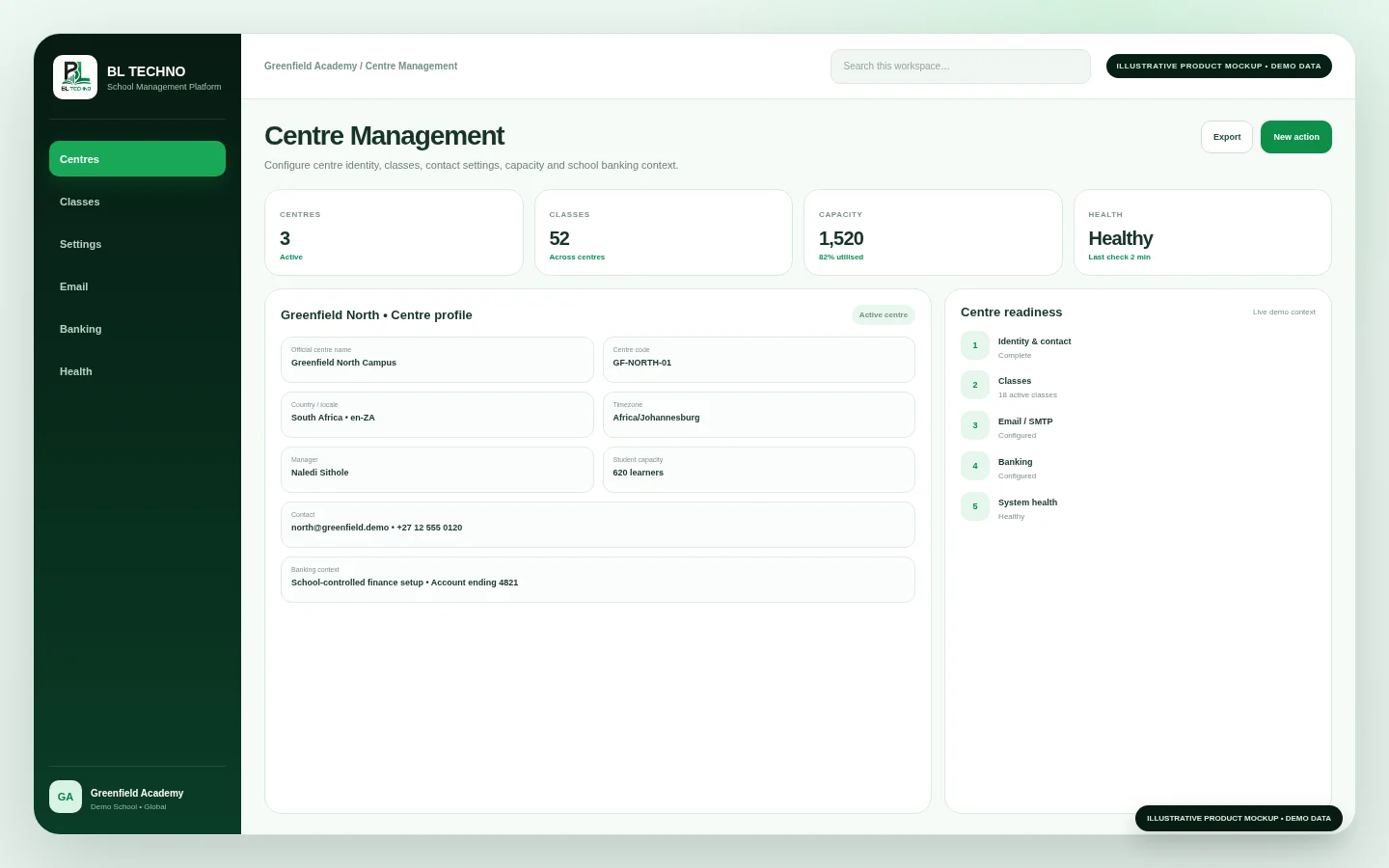 STEP 02
Role baseline
Centre Management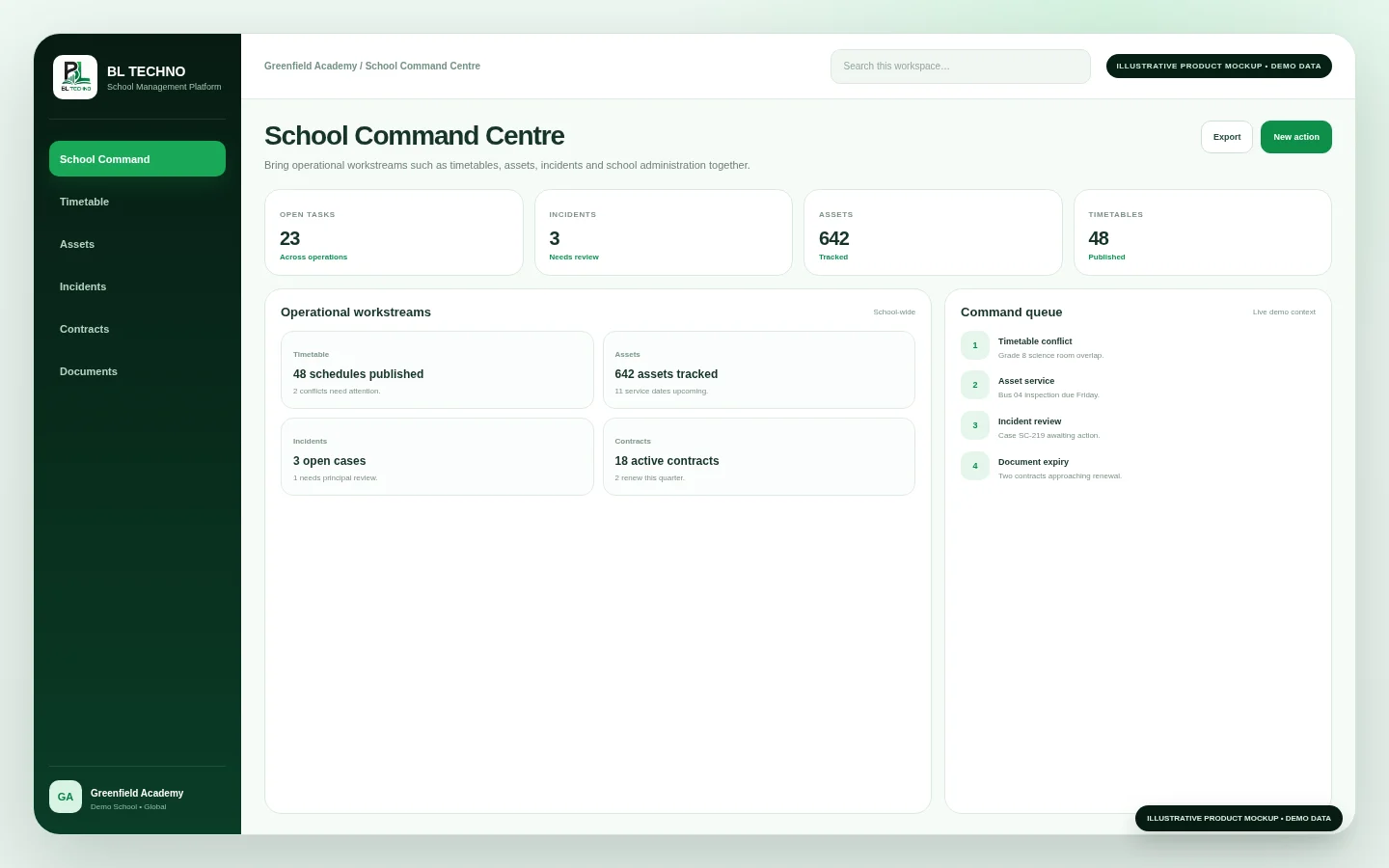 STEP 03
School / centres
School Command Centre STEP 04
Module & action rights
School Command Dashboard STEP 05
Session policy and history
Live ChatThese outcomes describe the operating purpose of the feature without inventing customer statistics.
Give people the capabilities needed for their work without granting the whole platform.
Combine role baselines with module/action permissions and centre scope.
Keep user, role, permission and session-security changes inside an audit trail.
Six capability areas show what the feature organises and how the workflow becomes operational.
Search and manage authorised School App users.
Start from approved responsibility-based access baselines.
Control actions at module level.
Limit users to the school locations they are authorised to manage.
Manage selected account/session protections.
Review user, role, permission and session-security changes.
The exact records shown depend on the signed-in user, school configuration and current school data. These labels show the kinds of context this feature organises.
User & Access ManagementSwitch roles to see how the same feature serves different authorised users without giving everyone the same view.
Govern the school’s highest-level access model.
Super AdminUser & Access ManagementProvision and maintain ordinary authorised users.
School AdminSchool Command DashboardReview privileged access and audit events.
Security ReviewerUser & Access ManagementMove into the neighbouring workflows that share relevant school context.
This public-safe motion teaser uses illustrative marketing visuals and demo interface language. It is designed to communicate the connected platform story without exposing production school data.
The exact implementation depends on school size, plan and scope. This path shows the practical sequence for introducing the feature responsibly.
Identify where User Management fits into the school’s current operating process and what should improve.
Confirm school, centre, role and permission boundaries before operational use.
Check the records, settings and authorised users needed for User Management to work cleanly from day one.
Walk the responsible teams through the User Management workflow using their real roles and school scope.
Introduce User Management into the agreed school process with controlled access and clear ownership.
Review usage, exceptions and operating quality, then refine the school process where needed.
User Management inherits BL TECHNO’s role, scope and permission principles. Public marketing shows the controls; authenticated product access remains authoritative.
The current School App permission matrix includes Open, Create, Edit, Delete, Approve and Export.
No. The current access-control architecture explicitly treats browser visibility as convenience and server-side guards as the authority for mapped routes and APIs.
Yes. The user-management model includes centre scope alongside roles, permissions and personal overrides.
Inspect the feature in detail, then see how it connects to the product family and wider school operation.
BL TECHNO is one global website. We suggest your country automatically so pricing can be shown in the local currency, and you can override the suggestion at any time.